You have seen them everywhere. On TikTok, on Instagram Reels, even on Pinterest. A tattoo on someone's arm suddenly comes to life: the snake slithers, the waves crash, the flowers bloom. It looks like augmented reality, but there is no filter involved.
Welcome to the world of AI tattoo animation—the fastest-growing trend in the tattoo industry since the rotary machine replaced the coil.
Whether you are a tattoo artist looking for a competitive edge, a client who wants to see their design move before committing, or simply someone fascinated by the intersection of art and technology, this guide covers everything you need to know.
What Is AI Tattoo Animation?
AI tattoo animation is the process of using artificial intelligence to transform a static tattoo image—whether a photo of real ink on skin or a digital design file—into a short, looping video where the tattoo appears to move naturally.
Unlike traditional motion graphics, which require frame-by-frame editing in software like After Effects, AI animation works in seconds. You upload an image, the AI model analyzes the shapes, lines, and shading, and it generates realistic motion automatically.
The result is a 3-to-8-second video loop that looks cinematic, shareable, and—most importantly—stops the scroll.
How Is It Different from AR Filters?
Augmented reality (AR) filters overlay digital content onto a live camera feed. They require the user to point their phone at something in real time. AI tattoo animation is different:
- No camera required. You work from a saved image, not a live feed.
- No app download for the viewer. The output is a standard MP4 video anyone can watch.
- Higher quality. AI models produce cinematic motion with proper physics—ink flows, petals fall, flames flicker—without the jittery tracking issues of AR.
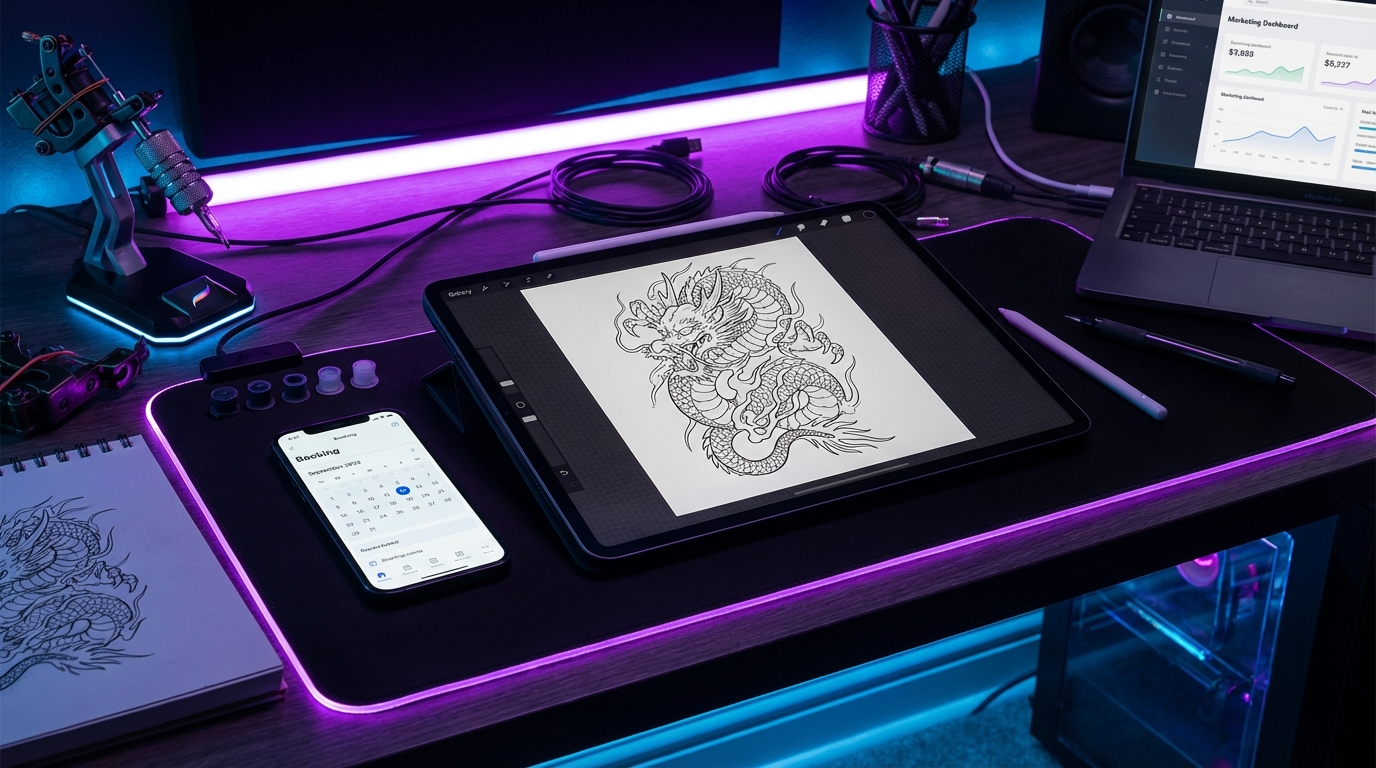
- Works with designs, not just healed tattoos. You can animate a Procreate sketch before the needle ever touches skin.
How Does the AI Actually Work?
Without getting too technical, here is what happens behind the scenes when you upload a tattoo image to an AI animation platform like Encre Vive:
Step 1: Image Analysis
The AI model scans your image and identifies key elements: outlines, filled regions, shading gradients, and the boundary between the tattoo and the skin (or background). It builds what engineers call a "semantic map"—a blueprint of what each part of the image represents.
Step 2: Motion Prediction
Based on training data from millions of motion sequences, the AI predicts how each element should move. A flame shape gets assigned upward, flickering motion. A water element gets flowing, wave-like motion. A geometric pattern might pulse or rotate subtly. The AI does not apply random movement; it applies contextually appropriate motion based on what the shape looks like.
Step 3: Frame Generation
The model generates dozens of intermediate frames, creating smooth transitions between the starting position and the motion peak. Advanced models use diffusion-based rendering to ensure each frame looks photorealistic, not like a cheap warp effect.
Step 4: Loop Optimization
The final frames are blended back to the starting point to create a seamless, infinite loop. This is critical for social media, where videos auto-replay. A clean loop means viewers watch 3, 4, 5 times without realizing it—which massively boosts your engagement metrics.
Why Tattoo Artists Are Adopting AI Animation
This is not a gimmick. There are concrete business reasons why thousands of tattoo artists worldwide are integrating AI animation into their workflow.
1. The Algorithm Demands Video
In 2026, static image posts on Instagram reach roughly 15-20% of your followers. Reels and video content reach 3x to 5x more. The platforms have made it clear: if you are not posting video, you are invisible. AI animation gives you video content without needing a film crew, editing skills, or hours of post-production work.
2. Client Experience and Pre-Visualization
Imagine showing a client their custom design—not as a flat sketch on an iPad, but as a living, breathing animation. The dragon's wings flex. The serpent coils around itself. The client gets emotional because they can finally see the energy they imagined when they described the piece.
This is not hypothetical. Artists who use pre-visualization report higher deposit conversion rates and fewer revision rounds because the client understands the design faster.
3. Competitive Differentiation
The tattoo market is saturated. In most major cities, there are more talented artists than there are clients to fill their books. When every artist posts beautiful healed photos, how do you stand out? You stand out by offering something the others do not. An animated portfolio—a "Living Portfolio"—signals to potential clients that you are forward-thinking, tech-savvy, and invested in giving them the best experience.
4. New Revenue Streams
Many artists now charge $15-$25 per animation as a "Digital Souvenir" add-on. At 15 clients per month with a 50% uptake, that is an extra $150-$190 per month—covering software subscriptions, supplies, or simply padding the bottom line. Some artists bundle it into their session rate and use the higher perceived value to justify premium pricing.
Which Tattoo Styles Animate Best?
Not all tattoo styles are created equal when it comes to AI animation. Here is a quick breakdown:
- Japanese / Irezumi: Waves, koi fish, dragons, wind bars—these are motion-rich by nature. AI excels here because the elements have clear directional flow. This is the style that produces the most viral results.
- Neo-Traditional: Bold outlines and vibrant fills give the AI clear boundaries to work with. Roses bloom, snakes coil, daggers gleam. Excellent results.
- Blackwork / Geometric: Pulsing, rotating, and breathing effects work beautifully on mandalas and sacred geometry. The symmetry creates hypnotic loops.
- Fine Line / Minimalist: Subtle, elegant animations—a butterfly's wings gently fluttering, a constellation twinkling. Less dramatic but deeply shareable.
- Realism: The hardest style to animate well. Portraits can fall into the "uncanny valley" if the motion is too aggressive. Best results come from animating surrounding elements (smoke, light, background) rather than the face itself.
- Watercolor: Colors bleed and flow naturally, creating beautiful organic motion. This style looks incredible when animated because the soft edges lend themselves to fluid transitions.
How to Create Your First AI Tattoo Animation
Ready to try it? Here is a step-by-step walkthrough using Encre Vive, the platform purpose-built for tattoo animation.
Step 1: Choose Your Image
You have two options:
- A photo of a real tattoo on skin. Best for showcasing finished work. Use good lighting—natural daylight or a ring light. Avoid flash photography, which flattens shadows.
- A digital design file. Exported from Procreate, Photoshop, or Illustrator. This gives the cleanest results because there is no skin texture for the AI to navigate around. Ideal for pre-visualization with clients.
Step 2: Upload to Encre Vive
Go to encrevive.com, create a free account (no credit card needed), and upload your image. The platform accepts JPG, PNG, and WebP files.
Step 3: Generate
Click "Animate." The AI processes your image in 15 to 45 seconds depending on complexity. You will see a real-time preview of the animation being generated.
Step 4: Download and Share
Download the MP4 file in HD quality. Post it directly to Instagram Reels, TikTok, or your website. The video is optimized for social media aspect ratios out of the box.
Tips for Getting the Best Results
After testing hundreds of animations, here are the best practices that consistently produce the most impressive output:
- High contrast wins. Images with strong contrast between the tattoo and the background (or skin) give the AI cleaner edges to work with.
- Isolate the design when possible. A tattoo on a white background animates more cleanly than a photo taken in a cluttered studio.
- Less is more for realism. If your design is hyperrealistic, opt for subtle motion settings. A gentle breathing effect on a portrait is far more impressive than aggressive warping.
- Think about the loop. The AI creates seamless loops automatically, but designs with natural cyclical motion (waves, fire, rotation) produce the most satisfying infinite loops.
- Use your best work. The animation amplifies what is already there. A mediocre design will produce a mediocre animation. Start with your portfolio highlights.
The Future of AI Tattoo Animation
We are still in the early days. Here is where the technology is heading:
- Real-time AR integration. Imagine a client pointing their phone at their arm and seeing the proposed tattoo animated in real time on their skin, before any ink is applied.
- Sound design. AI-generated audio that matches the motion—crackling fire, flowing water, ambient music—turning a silent video into a full sensory experience.
- 3D depth mapping. Future models will understand the curvature of the body, animating tattoos that wrap around muscles and follow the contours of the skin realistically.
- Client self-service. Platforms will allow the end client to animate their own tattoo photos, creating a new touchpoint between the artist's work and social media virality.
The artists who adopt these tools early will have a massive head start. The ones who wait will spend 2027 trying to catch up.
Frequently Asked Questions
Is AI tattoo animation expensive?
Most platforms offer free trials. Encre Vive gives you 3 free credits to start. Paid plans typically range from $9 to $29/month—less than the cost of a single tube of tattoo ink.
Do I need technical skills?
None. If you can upload a photo and click a button, you can create an animation. The AI handles all the complex motion generation, frame rendering, and loop optimization automatically.
Can I use animations commercially?
Yes. The animations you create from your own artwork are yours to use however you want—on social media, your website, in client consultations, or as a paid digital product.
Does it work on old tattoos or just fresh ones?
Both. The AI works from any image. Whether it is a photo of a 10-year-old sleeve or a design you drew this morning, the result is the same.
Will this replace traditional animation skills?
No. Professional motion designers create custom, narrative-driven animations that AI cannot replicate. But for the 99% of tattoo artists who just need a quick, beautiful video loop for social media, AI is the practical solution.
Try It Free — Create Your First Animation