The year is 2026. The social media landscape for tattoo artists has shifted tectonically.
Five years ago, a crisp, high-contrast photo of a fresh tattoo was enough to get you booked solid for months. Today? That same photo gets lost in an endless sea of content. The algorithms governing Instagram Reels and TikTok have made one thing clear: Video is King.
But here lies the problem. You are a tattoo artist, not a professional video editor. You spend 6 to 8 hours bending over a client, perfecting a custom piece. The last thing you want to do at 8:00 PM is sit in front of a computer, learning complex keyframes on Adobe After Effects just to get 500 views.
Welcome to the "Motion Gap."
To bridge this gap—and to stop the scroll—you need tools that work as hard as you do, but faster. You need applications that can breathe life into your ink without requiring a degree in motion graphics.
In this comprehensive guide, we have tested the 5 most popular tools on the market in 2026. We judged them on specific criteria relevant to tattooers: respect for skin anatomy, speed of execution, and viral potential.
Whether you want to animate a traditional snake, a watercolor flower, or a blackwork skull, one of these apps is your new best friend.
Selection Criteria: How to Choose Your Weapon?
Before we dive into the ranking, it is crucial to understand what makes a "good" animation app for the tattoo industry. Unlike animating a cartoon or a landscape, animating a tattoo involves a canvas that breathes, curves, and lives: the human skin.
1. Skin Respect & Anatomy (The "Uncanny Valley")
This is the most critical factor. A generic animation app might make the ink move, but does it distort the client’s arm? Does the muscle look like liquid?
In 2026, audiences are sophisticated. If your animation looks like a cheap Snapchat filter where the client's forearm warps along with the design, you lose credibility. The best tools understand that the ink moves, but the skin stays anchored.
2. The Learning Curve (Time is Money)
Be honest with yourself: how much time do you have between clients?
- The 5-Minute Rule: If it takes longer than 5 minutes to create a post for your Story or Reel, you probably won't do it consistently.
Consistency is the key to beating the algorithm. Therefore, the best app is the one you will actually use every day, not the one that has the most buttons.
3. The Cost vs. ROI
Are you paying a monthly subscription or a one-time fee? But more importantly, what is the Return on Investment (ROI)? If an app costs $20/month but helps you book a $1,000 backpiece because the video went viral, the tool is essentially free.
The Ranking 2026: From Specialist to Generalist
We have ranked these applications starting with the most specialized solution for tattooers, down to the generalist powerhouses.
1. Encre Vive (The Specialist's Choice)
In a market saturated with generic photo animators, Encre Vive stands alone as the only Artificial Intelligence engine trained specifically on tattoo ink and human skin textures.
Unlike general animation tools that treat your photo like a flat landscape, Encre Vive’s algorithms distinguish between the epidermis (the skin) and the pigment (the tattoo). This allows for "Motion Ink" technology—where the tattoo appears to come alive inside the skin, rather than floating on top of it.
Why it wins in 2026:
- Smart Detection: You don't need to manually mask the area. The AI identifies the tattoo boundaries automatically.
- Texture Preservation: It keeps the skin pores and redness of a fresh tattoo visible while animating the design, maintaining that gritty, authentic "fresh ink" look that clients love.
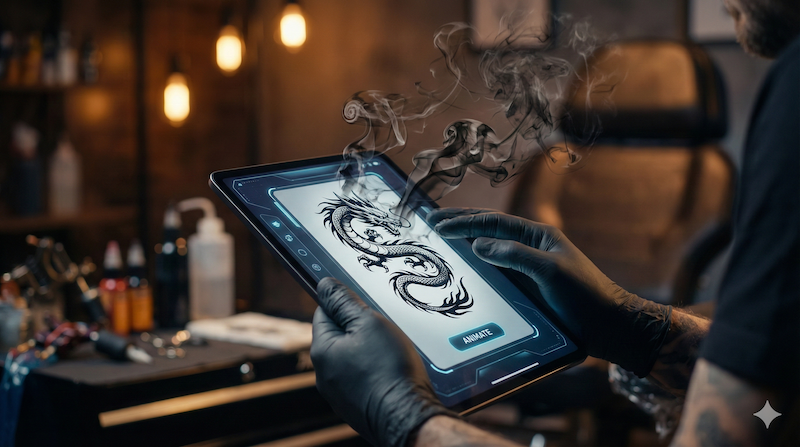
- Specific Effects: Whether it’s smoke swirling from a dragon, water flowing in a Japanese wave, or the sparkle of a "fine line" jewel, the presets are designed for tattoo styles.
The Downside:
Encre Vive is a specialized visualization engine. It generates the visual loop. It does not handle audio editing or complex cuts. You will still need a secondary app (like CapCut, see #4) to add trending audio.
Price: Freemium model (Start for free) / Professional Subscription for high-res exports.
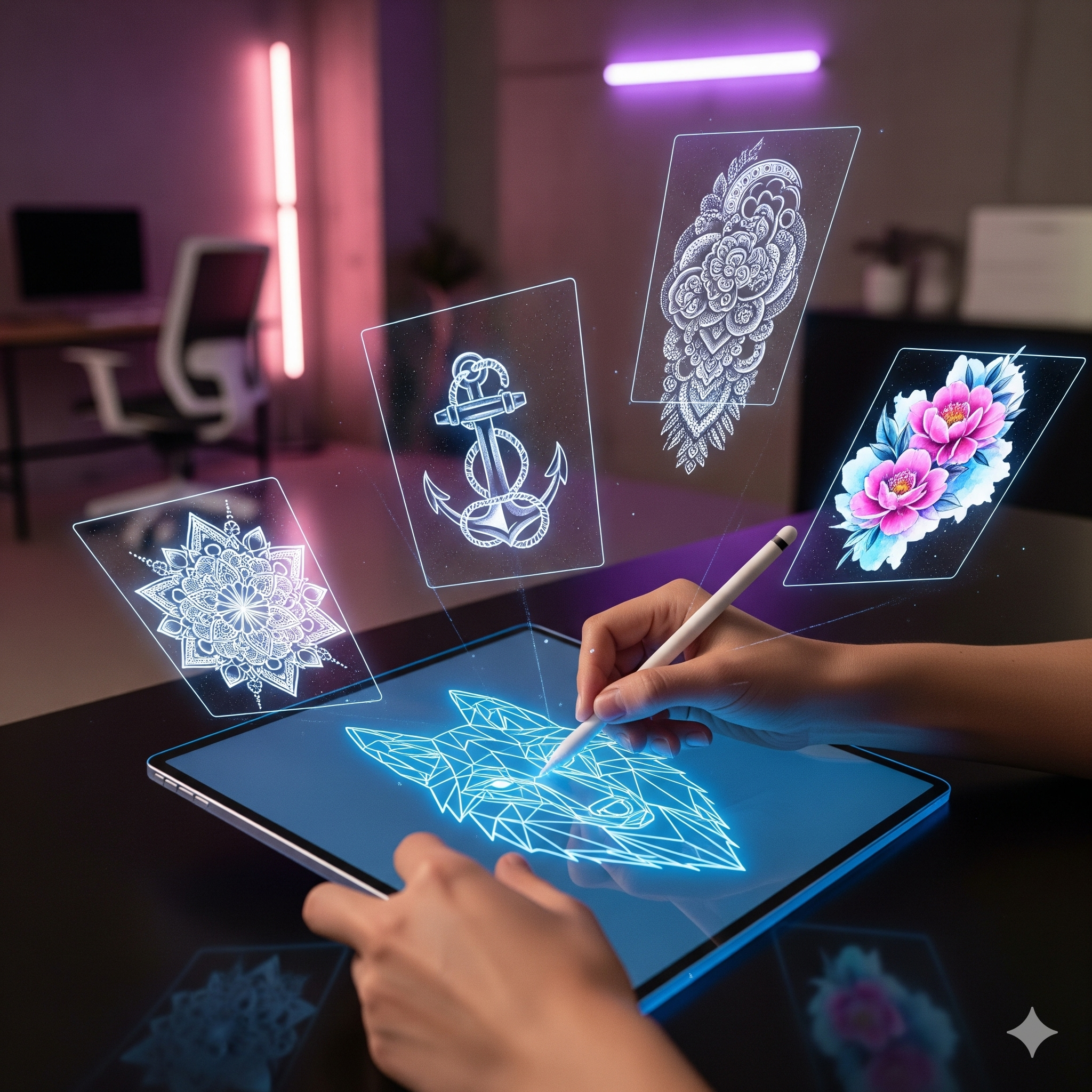
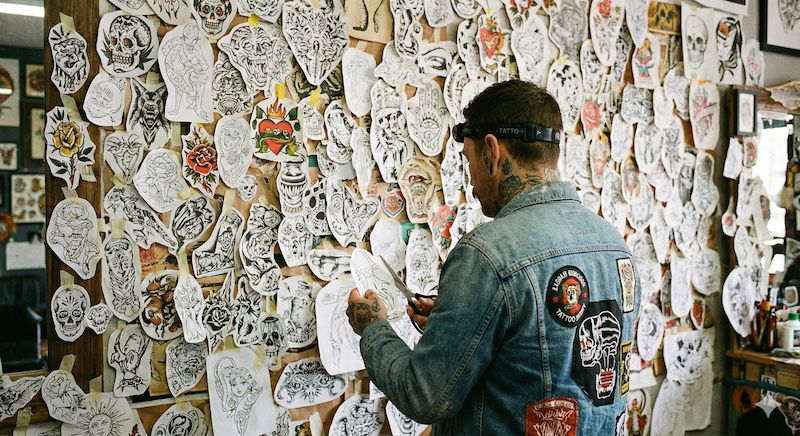
Pro Tip: Use Encre Vive to animate your Flash Sheets. A static iPad drawing is boring; a flash sheet where every design is slightly moving becomes an "Object of Desire" that sells out instantly.
Read: How to sell your Flash Sheets faster with AI
2. Procreate Dreams (The Patient Artist's Option)
When Procreate Dreams launched, it promised to revolutionize 2D animation on the iPad. For traditional animators, it did. For busy tattooers, it created a dilemma.
Procreate Dreams is undoubtedly a powerful artistic tool. It allows you to draw frame-by-frame animation over your tattoo photos. If you want a cartoon character to literally walk out of the tattoo and jump off the arm, this is the tool to use.
Why it struggles for daily use:
- The "Rotoscoping" Trap: To make a tattoo move, you often have to redraw it or paint over it on multiple layers. This is essentially doing the tattoo twice: once on skin, once on the iPad.
- Complexity: It involves keyframes, timeline management, and onion skinning. If these terms give you a headache, this app isn't for you.
- Time Sink: Creating a smooth, looping 5-second animation that looks natural can easily take 2 to 4 hours.
Verdict: Keep Procreate Dreams for your big, "portfolio piece" projects once a month. For your daily social media grind, it’s simply too slow.
3. MotionLeap (Ex-Pixaloop) (The Generalist)
MotionLeap (formerly Pixaloop) is a veteran in the mobile app game. It wasn't built for tattoos—it was built for travel influencers to make waterfalls move or clouds pass by. However, many tattooers use it because it’s fast.
The "Fake" Effect:
The main issue with MotionLeap in 2026 is that its effects are recognizable. It creates a "warping" motion that drags everything in its path.
- The Good: If you have a tattoo of a waterfall or a cloudy sky, it works decently.
- The Bad: If you try to animate a snake or a face, it looks like a funhouse mirror. The geometry breaks. It doesn't respect the muscle structure of the client.
It’s a great entry-level tool for generic movement, but it lacks the sophistication needed to impress high-paying clients who are looking for quality work.
4. CapCut (The Indispensable Companion)
Let’s be clear: CapCut is NOT an animation tool in the sense of making the ink move. You cannot use CapCut to make a tiger blink or a flower bloom.
However, CapCut is the essential glue of your strategy. Once you have generated your animation (using Encre Vive, for example), you bring it into CapCut.
Why you need it:
- Beat Sync: CapCut’s "Auto Beat" features allow you to cut your video exactly to the rhythm of trending audio.
- Color Grading: Use it to adjust the contrast and make the black ink pop.
- Watermarks: It’s the easiest way to add your logo overlay so your work doesn't get stolen.
Strategy: Think of Encre Vive as the "Camera" that captures the magic, and CapCut as the "Darkroom" where you package it for Instagram.
5. Adobe After Effects (The "Overkill" Option)
If you are reading this article, Adobe After Effects is likely not for you. It is the industry standard for Hollywood VFX and high-end commercials.
Can it animate a tattoo perfectly? Yes. In fact, it can do anything. Will it take you 6 months to learn the interface? Also yes.
The "Learning Curve" Wall:
For a tattoo artist, learning After Effects is like a painter trying to learn C++ coding just to hang a canvas. It’s an inefficient use of your cognitive energy. Unless you are hiring a freelance motion designer to manage your socials, stay away from the Adobe Creative Cloud ecosystem for daily Reels. It’s too heavy, requires a powerful PC (not an iPad), and kills spontaneity.
Comparison Table: The 2026 Breakdown
To help you decide which tool fits your workflow, we’ve broken down the key metrics. This table is designed to help you find the "sweet spot" between quality and effort.
| Application | Ease of Use | Time per Video | Skin Respect (Anatomy) | Cost Model |
|---|---|---|---|---|
| Encre Vive | ⭐⭐⭐⭐⭐ | ~1 min | Excellent (AI Driven) | Freemium / Monthly |
| Procreate Dreams | ⭐⭐ | ~2-4 hours | Good (Skill dependent) | One-time Purchase |
| MotionLeap | ⭐⭐⭐⭐ | ~5 mins | Average (Warping risk) | Freemium |
| CapCut | ⭐⭐⭐⭐ | ~10 mins | N/A (Video Editing) | Free |
| After Effects | ⭐ | ~2 days | Excellent (Manual) | Expensive Sub |
Verdict: Which App Should You Choose?
The "best" app depends entirely on your goal for 2026.
Scenario A: The "Artist-Animator"
If you view animation as an extension of your art, and you enjoy spending your Sunday afternoons drawing frame-by-frame sequences, choose Procreate Dreams. It offers the most creative freedom, provided you have the time to master it.
Scenario B: The "Smart Business Owner"
If your goal is to fill your booking books, grow your Instagram following, and spend less time on your phone and more time tattooing, choose Encre Vive.
Encre Vive is currently the only tool that solves the specific problem of the tattoo industry: Speed + Quality. It allows you to take a photo of a fresh piece, animate it while the client is paying, and post it before they even leave the shop. It turns a static portfolio into a viral motion engine.
Remember: In 2026, the algorithm doesn't care how hard you worked on the video; it cares about how long people watch it. Encre Vive gives you that retention without the burnout.
Bonus Tutorial: Create Your First Viral Animation in 3 Clicks
Ready to test the theory? You don't need to download heavy software. Here is the workflow used by top artists in Paris and New York right now:
- 1. Snap the Photo: Take a clean photo of your tattoo. Ensure good lighting (ring light) and high contrast.
- 2. Upload to Encre Vive: Go to the web app. Upload your photo.
- 3. Select the Flow: Choose a preset (e.g., "Smoke" for blackwork, "Flow" for Japanese, "Shimmer" for fine line).
- 4. AI Magic: Let the AI detect the ink boundaries. Adjust the intensity slider.
- 5. Export: Download the MP4 in HD.
- 6. Final Touch: Open CapCut, import the video, add a trending sound, and post to Reels.
Total time: 3 minutes.
Result: A scroll-stopping video that sets you apart from 90% of other artists still posting static photos.
Ready to wake up your ink?
Don't let your portfolio stay stagnant. Join the revolution of Motion Ink.