The tattoo industry in 2026 is unrecognizable compared to ten years ago. The barrier to entry has lowered, the market is saturated with incredible talent, and Instagram algorithms are harder to crack than ever before. Being a phenomenal artist is no longer enough to guarantee a fully booked schedule; you need to be a savvy business owner.
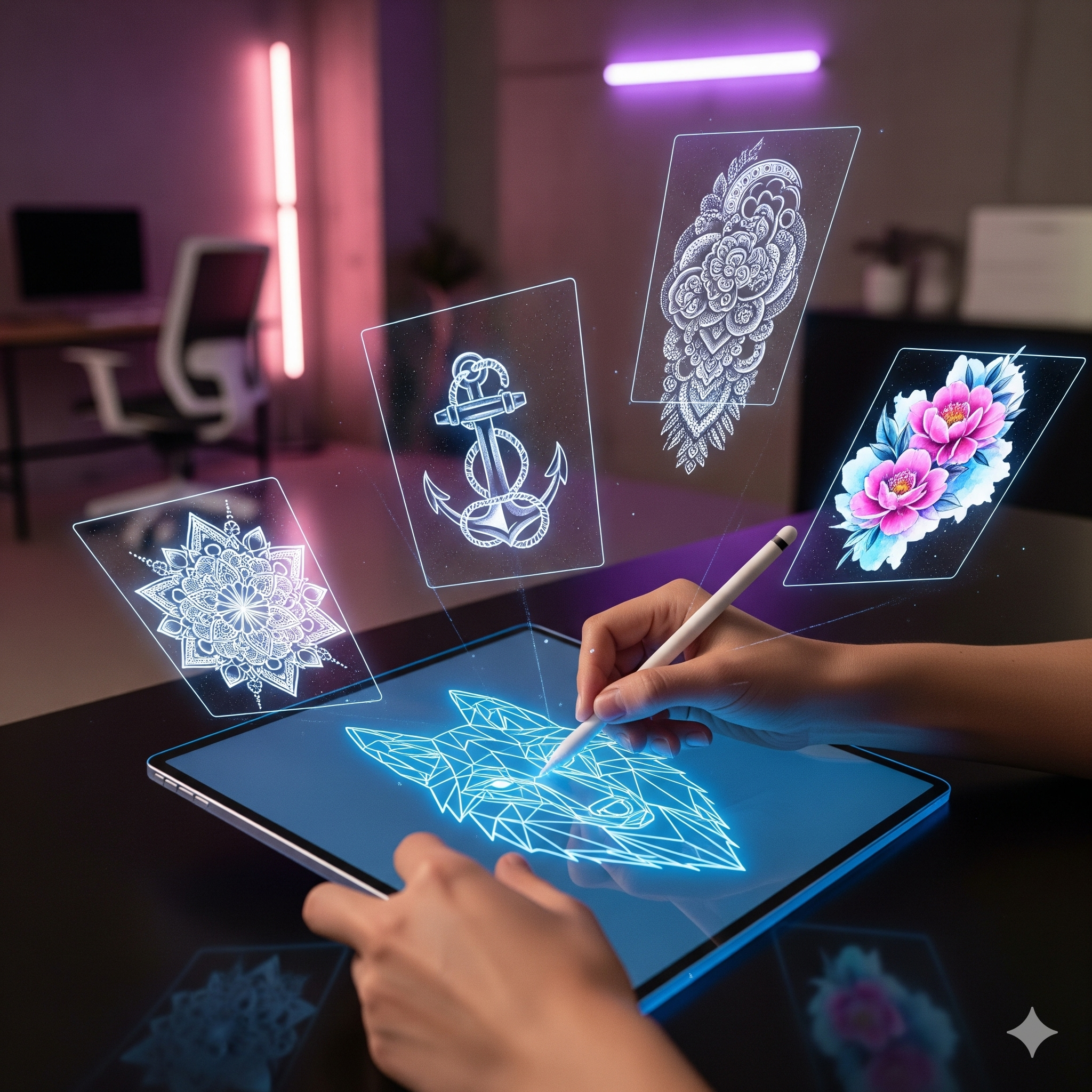
If you are reading this, you’ve likely already experimented with AI animation tools like Encre Vive. You’ve seen how a static flash design can transform into a living, breathing piece of art in seconds. You know it looks "cool."
But here is the million-dollar question that most artists are too afraid to ask: Should you be giving this away for free, or is this a new revenue stream waiting to be tapped?
In this guide, we aren't talking about art theory. We are talking about ROI (Return on Investment). We will break down the psychology of the "Digital Souvenir," do the math on potential profits, and give you the exact scripts to use with your clients. It’s time to stop leaving money on the table.
The "Experience Economy": Why Ink Is No Longer Enough
Before we talk about pricing, we need to understand what you are actually selling.
In marketing terms, we are living in the "Experience Economy." Clients aren't just paying for the ink in their skin; they are paying for the story, the vibe of the shop, the connection with the artist, and—crucially—the ability to show off that experience on social media.
When a client walks out of your shop, they have a fresh tattoo. It’s red, it’s swollen, and it’s covered in "Second Skin" or cling wrap. It is not "Instagram ready." Yet, that is the exact moment their excitement is at its peak. They want to post, but they can't post a photo of a bloody arm.
This is where the Animation comes in.
An animated video of the design (created from your clean iPad export, not the messy photo) gives them immediate, high-quality content to share while the physical tattoo heals. It bridges the gap between the appointment and the healed photo.
So, do you charge for this bridge? Let’s look at the three strategies.
Strategy #1: The "White Glove" Approach (The Free Add-On)
The Goal: High-End Branding, Client Retention, and Viral Marketing.
In the luxury hotel industry, there is a concept called "The White Glove Service." It’s the chocolate on the pillow, the free glass of champagne at check-in. Does the champagne cost the hotel money? Yes. Does it allow them to charge $500 a night instead of $200? Absolutely.
How It Works
You do not charge a separate line item for the animation. Instead, you position it as a standard part of your premium service.
The Workflow: You finish the tattoo. While the client is paying, you say: "Check your inbox tonight. I’m sending you a 4K animated render of your design so you can see how it flows before it even heals."
The Cost to You: $0 (if you have an unlimited plan) and 60 seconds of effort.
The Value to the Client: Priceless. They feel taken care of.
If you give the animation away, you aren't doing it out of charity. You are doing it for the Marketing Trojan Horse effect.
- User Generated Content (UGC): A client is 3x more likely to share a mesmerizing video loop on their Instagram Story or TikTok than a static image of a stencil.
- The Credit: When they post that video, they tag you. Their friends watch the loop five times because it moves. The algorithm pushes it.
- The Hook: People ask, "Wait, is your tattoo actually moving?" The conversation starts. Your booking link gets clicked.
Verdict: Use this strategy if your primary goal is Acquisition (getting new clients) and justifying a high hourly rate ($200+/hr).
Strategy #2: The "Digital Upsell" Approach (The Paid Option)
The Goal: Immediate Cash Flow and Passive Income.
Let’s be real: Rent is expensive. Supplies are expensive. If you are running a business, you need to maximize the Average Revenue Per User (ARPU).
Think about a rollercoaster ride. You pay for the ticket (the tattoo). But at the end of the ride, there is a booth selling you the photo of you screaming on the drop. You buy it because it captures the memory. The animation is your "rollercoaster photo."
The Math: Is It Worth It?
Let’s look at the numbers. Many artists hesitate to charge because they think, "It only took me one minute to generate this on Encre Vive, I can't charge for that."
Stop devaluing your tools. The client doesn't know it took one minute. They see a high-tech, 3D motion design that would cost hundreds of dollars if they hired a Motion Designer.
The "Motion Pack" Calculation:
- Price Point: $15 - $25 per animation.
- Volume: Let’s say you tattoo 15 clients a month.
- Conversion Rate: Conservatively, 50% of clients say "Yes" to the $20 add-on.
7 clients x $20 = $140 per month.
That covers your software subscriptions, your needles, or your shop electric bill. If you are a busy artist doing 40 clients a month?
20 clients x $20 = $400 per month.
That is $4,800 a year in pure profit, generated from thin air, with zero extra physical labor.
How to Implement It
Don't be sneaky. Offer it as a "Digital Souvenir Package" at the point of sale.
"Do you want the Digital Motion file for your TikTok? It’s just a $20 add-on."
Verdict: Use this strategy if you have a high volume of clients (walk-ins, flash days) and want to increase your monthly bottom line immediately.
Strategy #3: The Hybrid Model (The Smartest Move)
The Goal: Marketing AND Money.
Why choose? The most successful users of Encre Vive often use a hybrid model that segments their designs.
- The "Flash Teaser" (Free)
Use the animation tool to sell your unsold flash designs on Instagram. Post the animated reel with the caption "Available to be tattooed." Why? Movement catches the eye in the feed. A moving flash sells faster than a static one. This is marketing, so it costs the client nothing. - The "Custom Souvenir" (Paid)
For custom clients, offer the animation as an optional upgrade. Since custom work is personal, they are highly emotionally invested and more likely to pay for the digital asset. - The "Watermark" Tactic
Send the low-res or watermarked version to everyone for free (great for your branding). Tell them: "If you want the 4K HD version without the logo for your feed, it’s $10." This filters the clients who really care about the video quality from those who don't.
How to Deliver the Product (The Workflow)
If you are going to charge money, the delivery must be professional. You can't just text them a blurry GIF. Here is the pro workflow to justify the price tag:
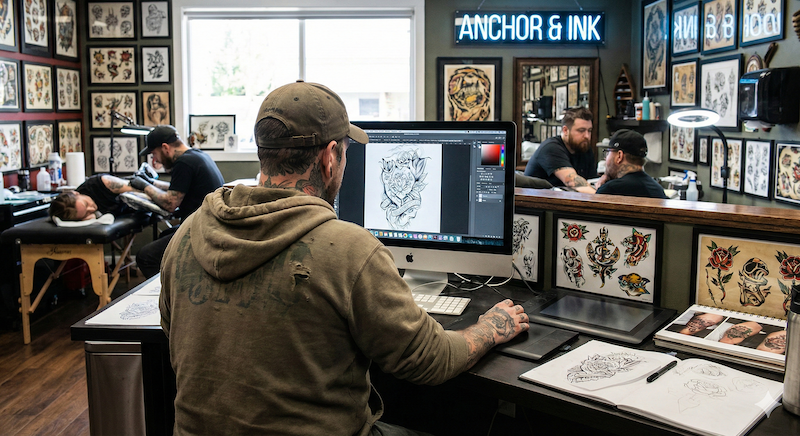
- The Source: Always use your original iPad export (Procreate/Photoshop layer). Do not use a photo of the skin if you are charging for it—the quality needs to be crisp.
- The Generation: Use Encre Vive to generate the video. Select a motion style that fits the tattoo (e.g., "Ink Flow" for Japanese, "Neon Pulse" for Cyberpunk).
- The Delivery: Use AirDrop (if they have an iPhone) or a WeTransfer link.
Pro Tip: Create a nice email template. "Here is your Digital Motion Asset. Thanks for trusting me with your skin."
Sales Scripts: What to Say to Clients
We know artists hate "selling." You are a creative, not a car salesman. But offering value isn't selling; it’s helping. Here are three scripts to make it non-awkward.
Put this in your booking confirmation email.
"My session rate is $XXX. This includes the custom design, the tattoo session, the aftercare kit, and a Digital Motion Render of your tattoo for your social media archives."
(Here, you bump your price up by $20 globally, and everyone gets it. Frictionless.)
While you are taking a break or setting up.
"By the way, have you seen those animated tattoos on TikTok? I have a tool that can turn your design into a 3D loop. It looks sick. I usually sell the file for $20 if you want me to generate one for you after we're done."
While they are tapping their card.
"I’m going to send you the care instructions now. I can also AirDrop you the HD video file of the design moving if you want to post it? It’s an extra $15."
Conclusion: It’s Not Just a Gimmick, It’s an Asset
In 2026, a tattoo artist is a content creator, whether you like it or not. The digital representation of your work travels further and faster than the physical work ever will.
You have two choices:
- Let that digital asset sit on your iPad, doing nothing.
- Turn that asset into a tool that either builds your fame (Free Strategy) or builds your fortune (Paid Strategy).
The tools are here. The demand is here. The only thing missing is your willingness to ask for the value you deserve.
Ready to turn your flash into cash? Stop guessing and start testing. Sign up for Encre Vive today and get 3 Free Credits to generate your first sellable animation.
Claim Your 3 Free Credits Here