The dilemma is universal: you are an artist, not an influencer. You want to spend your time tattooing, not learning awkward TikTok dances. Yet, the market reality in 2025 is relentless: if you are not visible on video, you don't exist.
The good news? You absolutely don't need to point at floating text or dance. Your art speaks for itself, provided you know how to showcase it. Here are 5 professional, artistic, and viral Reel formats, designed specifically for tattoo artists who want to keep their dignity.
Understanding the Video Algorithm in 2025
"Watch Time" and Retention
Forget likes, the algorithm swears by one thing: watch time. If a user stays glued to your video, Instagram will propel it to thousands of other people. That's why the first 3 seconds are vital. You must hook the eye immediately, visually or emotionally.
See Adam Mosseri's (Head of Instagram) explanation on algorithm priorities
The Myth of "Trending Music"
Should you use trending sounds? Yes, it's a free boost. But you don't have to blast the music. The pro tip: use trending music as very low background sound (volume 5-10%) and keep the original audio (machine noise, ambiance) or a voiceover on top.
Flash Animation (The "EncreVive" Method)
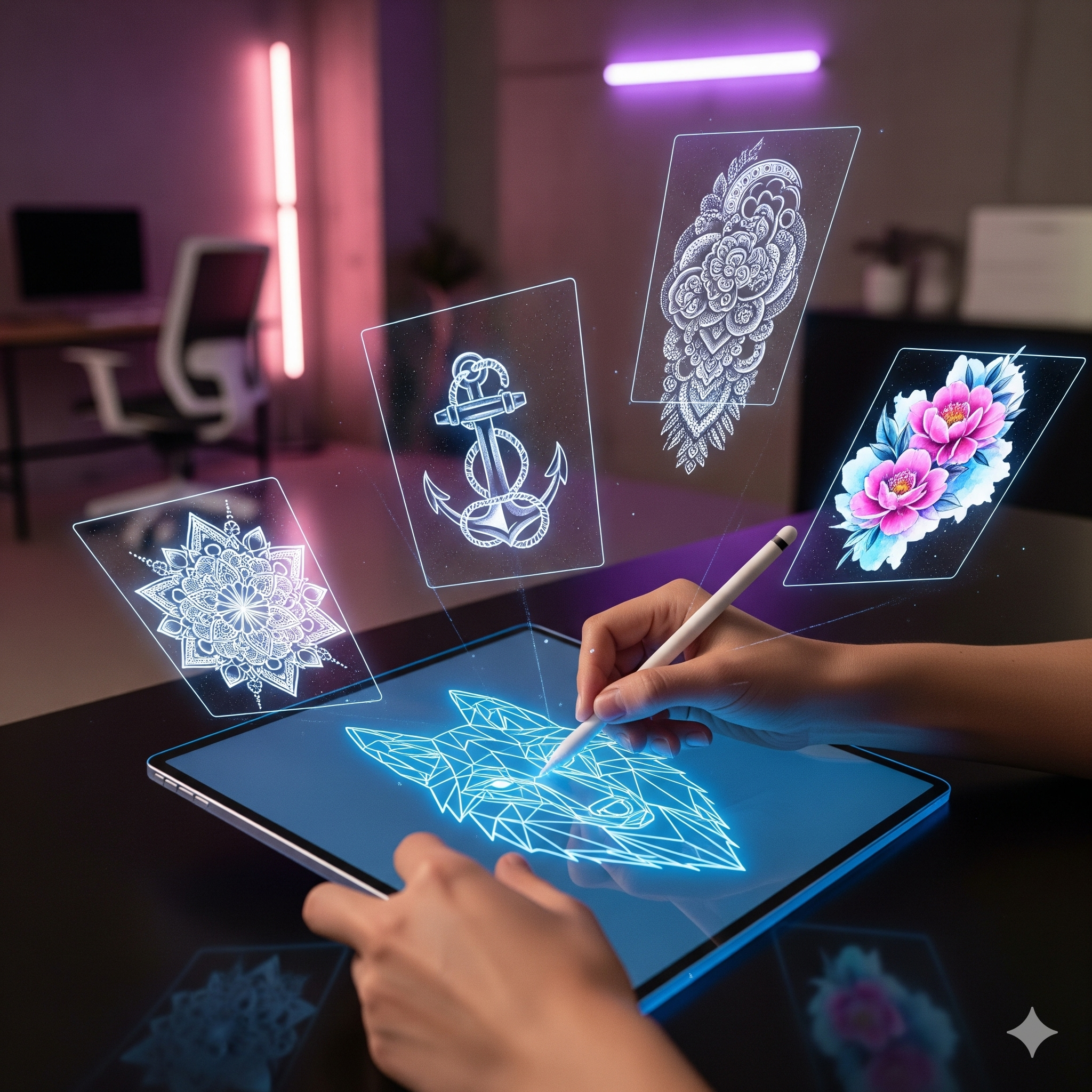
Why animate a static drawing?
The human brain is programmed to detect movement. In a feed saturated with static images, a drawing that comes to life stops the scroll instantly. It's basic psychology applied to marketing.
Tutorial: Transform a JPEG into MP4 in 30 seconds
- Step 1: Clean Scan Scan your flash or export it from Procreate in high quality. A solid background helps the AI to cut it out.
- Step 2: Upload to AI Use our tool EncreVive to import your design.
- Step 3: Choose Effect Select "Ink Flow" for a spreading ink effect, or "Neon" for a more cyber style. Export and post!
The Slow Motion Client "Reveal"
Technical Setup (Light and Frame)
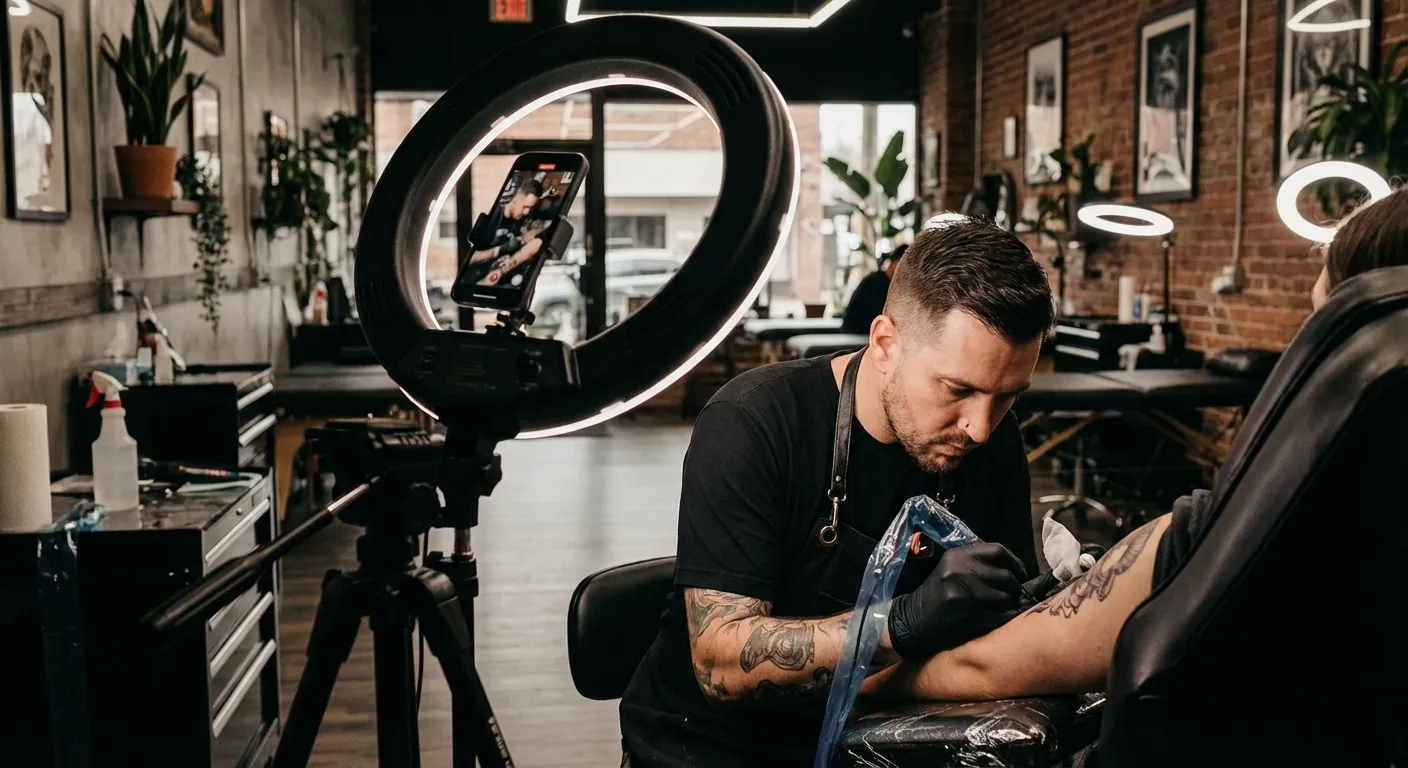
This format plays on pure emotion. For it to work, quality must be impeccable. Invest in a "Ring Light" or a softbox to avoid unsightly reflections on fresh ink and red skin. Film in 60fps (frames per second) to be able to make a beautiful slow motion afterwards.
Capturing Authentic Emotion
Don't ask your client to act. Film their real first reaction when they discover themselves in the mirror. That smile, those shining eyes, that's gold for your brand image. It shows future clients the happiness they will feel going under your needles.
The Textured Macro Zoom
Showing Technique Up Close
Tattoo enthusiasts are technique geeks. Use your iPhone's "Macro" mode (or a small clip-on lens for $20) to film the needle penetrating the skin in extreme close-up. Show the sharpness of your lines, the softness of your shading.
Visual ASMR of Tattooing
The regular noise of the machine, the zoom on the ink entering... it's strangely satisfying to watch. This type of "hypnotic" content generates a lot of loop views, which is excellent for the algorithm.
The "Accelerated Process" Timelapse
How to stabilize your phone for 4 hours?
No one is going to watch 4 hours of tattooing. But 4 hours compressed into 15 seconds? That's fascinating. The secret is stability. Use an articulated arm (magic arm) attached to your station or a solid tripod. The phone must not move a millimeter.
Dynamic Editing
In editing, ruthlessly cut all dead moments: preparation, cleaning, smoke breaks. Keep only the action. Add rhythmic music and sync shot changes to the bass.
Before / After (Stencil vs Final Tattoo)
The "Snap" Transition
It's a timeless classic. Film the stencil placed on the skin. Snap your fingers in front of the lens. Cut. Film the finished tattoo exactly from the same angle. In editing, align the two sequences so that the finger snap makes the tattoo appear instantly.
Essential Tools to Edit Your Reels
CapCut vs InShot: Which to Choose?
CapCut is today the industry standard. It belongs to ByteDance (TikTok), so it offers trending effects and music before everyone else. Its interface is intuitive and powerful. InShot remains a good alternative if you just want to do simple editing without "bling bling" effects.
See CapCut tutorials for beginners
EncreVive for Special Effects
For everything related to drawing animation and magic effects, that's where we come in. It's the perfect complementary tool to your editing software.
Conclusion
You don't need to become a cinema expert to succeed on Instagram. Consistency and authenticity pay more than technical perfection. Choose one of these 5 ideas, the one that speaks to you the most, and try it this week. Don't try to make the perfect Reel on the first try.
And if you want to start with the simplest (animating your existing flashes), test idea #1 right now for free on EncreVive.