Every tattoo artist has "The Graveyard."
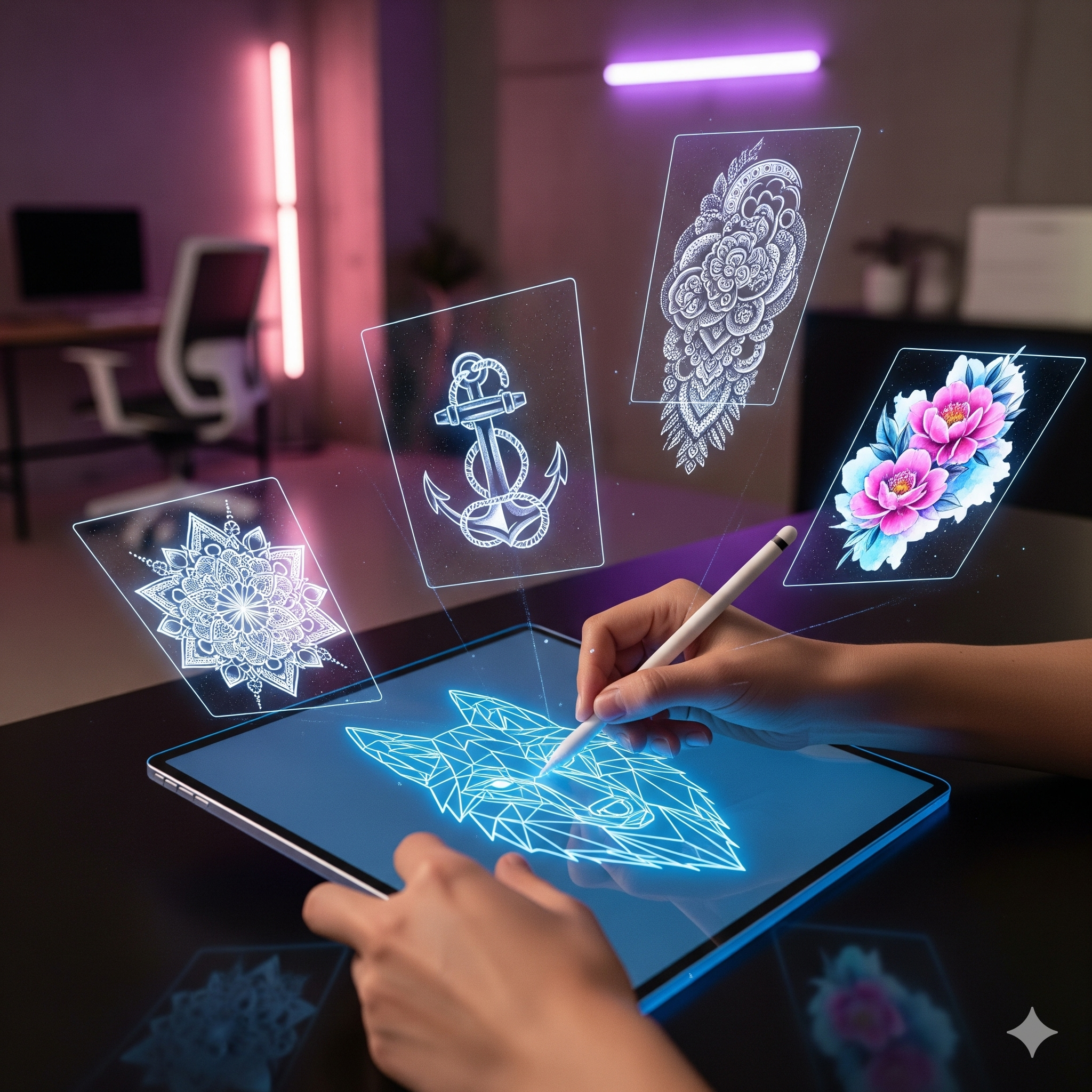
You know exactly what I’m talking about. It’s that specific folder on your iPad Pro, or that physical sketchbook gathering dust on your station. It is filled with designs you poured your heart into—sketches you were convinced would fly off the sheet the moment you posted them. You drew them, you loved them, you visualized exactly where they would fit on a client’s body.
But when you finally posted the flash sheet on Instagram? Crickets. Maybe you got 50 likes, a few fire emojis, but zero DMs. No deposits. No appointments.
Eventually, those designs get buried under new posts, and they become "zombie flash"—dead inventory that never made you a dime.
In 2026, the problem isn’t your art. Your linework is solid. Your shading is on point. The problem is visibility.
The way clients consume content has changed drastically, but the way artists sell flash hasn't evolved since the 90s. We are still posting static images of sheets and hoping for the best. Today, we are going to change that. We are going to use AI animation to resurrect your "Graveyard," force the algorithm to notice you, and turn those wasted hours of drawing into cold, hard cash.
Here is your guide to the "Flash Revival" strategy.
Why Your Flash Sheet Is Being Ignored (It’s Not You)
To fix the problem, we first have to understand why it’s happening. It is easy to take it personally and think, "Maybe my style isn't good enough." Stop that. It’s a UX (User Experience) problem, not an artistic one.
The Science of "Banner Blindness"
In the world of web design and marketing, there is a phenomenon known as Banner Blindness. Studies by the Nielsen Norman Group (a leading UX research firm) have shown that users are subconsciously trained to ignore anything that looks like an advertisement or a cluttered list.
When you post a traditional flash sheet containing 6, 10, or 12 small designs on a single page, the human eye doesn't know where to focus. It looks like a menu. And unless a client is starving for a tattoo right at that exact second, they scroll past menus. The sheer amount of visual information causes "cognitive load," leading the user to simply keep scrolling to find something easier to digest.
The "3-Second Rule" on Mobile
We are living in the economy of attention. On platforms like TikTok and Instagram, the average time a user spends looking at a post before deciding to scroll is less than 3 seconds.
A static, black-and-white line drawing creates very little dopamine. It doesn't trigger the brain's engagement centers. If you are posting static photos in 2026, you are fighting a losing battle against an algorithm that is designed to prioritize retention and engagement.
The Psychology of Motion: Why Animated Flash Sells
So, how do we stop the scroll? We use biology.
How the "Reptilian Brain" Reacts to Movement
Biologically, human beings are hardwired to notice motion. It is a survival instinct—our ancestors had to spot the predator moving in the grass. Today, that instinct is still active. When we are doom-scrolling through a static feed and suddenly something moves, our thumb stops automatically.
By animating a flash design—making the smoke rise, the snake slither, or the flowers bloom—you are hacking the viewer's attention. You are creating a "Pattern Interrupt."
Beating the Algorithm (Video vs. Photo)
Instagram has openly stated that they are a "video-first" platform. Adam Mosseri (Head of Instagram) confirmed this years ago, and the gap has only widened. A Reel will almost always get 2x to 10x the organic reach of a photo post. By taking your static flash and turning it into a video loop using Encre Vive, you are playing by the algorithm's rules.
The 3-Step "Flash Revival" Workflow
Enough theory. Let’s get to work. Here is the exact workflow you can use today to sell a design that has been sitting in your book for months.
Step 1: Audit Your Archives (The "Hidden Gems")
Go through your iPad or your sketchbooks. Do not pick your "B-List" work. Look for the designs that you were sure would sell, but didn't.
Open the file in Procreate.
Turn off the background layer (create a transparent PNG) or put it on a clean, solid paper texture.
Export just that one design.
Step 2: Choose the Right Motion Effect
Using the Encre Vive AI engine, upload your isolated design. The key here is to choose a motion style that enhances the tattoo's vibe, rather than overpowering it.
- For Traditional / Old School: You want punchy, looping movements. Make the dagger shake, the eyes on the panther blink, or the teardrops fall.
- For Fineline / Floral: Go for the "Bloom" or "Wind" effects. You want the leaves to gently rustle or the petals to open. It needs to look organic and soft.
- For Blackwork / Dark Art: Use "Smoke," "Glitch," or "Liquid" effects. Make the ink look like it is melting or evaporating.
- For Cyber Sigilism: Use "Neon Pulse" or rapid flowing energy lines.
Pro Tip: Keep the animation loop short (under 5-6 seconds). It needs to be hypnotic.
Step 3: The "Reveal" Editing Technique
Don't just upload the raw video file. To get maximum engagement, you need to edit it slightly in Instagram or TikTok. Use the "Reveal" strategy:
- 0:00 - 0:02: Show the static image. The viewer thinks it's just a drawing.
- 0:02 (The Drop): Transition to the animated version exactly when the beat drops in the music.
Result: This creates a "Wait for it" moment that encourages people to watch the video twice.
The Caption Strategy: Creating Urgency
You have the visual hook. Now you need to close the sale with the caption. Most tattoo artists are terrible at this. They write things like: "Available. DM to book." That is boring. It creates no desire.
Leveraging FOMO (Fear Of Missing Out)
Since flash is usually a one-off (you only tattoo it once), you have built-in scarcity. Use it. Don't sound desperate ("Please buy this"). Sound exclusive.
This is a one-off piece. Once it’s claimed, the animation (and the stencil) goes into the archive forever.
First deposit secures it."
The "Call to Claim" CTA
Be specific. Don't just say "DM me." Give them a keyword.
Asking for a specific keyword reduces the mental effort for the client. They don't have to think of what to say; they just follow instructions.
Case Study: The "Dusty Skull" Experiment
To prove this works, let’s look at a common scenario we see with Encre Vive users. Let's call him Alex, a Neotraditional artist.
The Situation: Alex drew a grim reaper/skull design in November. He posted it on a sheet with 8 other designs. The post got 120 likes. Two of the smaller flowers on the sheet were booked. The big skull piece—the one he really wanted to do—sat unsold for 3 months.
The Experiment: Alex took the skull layer from Procreate. He uploaded it to Encre Vive and added a "Slow Smoke" effect coming out of the skull's eyes and mouth. He found a trending audio track on Instagram (dark phonk music). He posted it as a Reel on a Tuesday morning with the caption: "Who is brave enough to wear this? Only tattooing this once."
The Result:
- Views: 4,500 (vs his usual 800 on photos).
- Shares: 45 people sent it to friends.
Outcome: The design was booked within 45 minutes of posting. He also got 3 requests for "something similar" from people who missed the first one.
The Lesson: The art didn't change. The skull was exactly the same drawing as it was in November. The only thing that changed was the presentation. By giving the design life, he gave it value.
Common Mistakes to Avoid
Before you start raiding your archives, watch out for these pitfalls:
- Over-Animating: Do not make the whole image move like crazy. Less is more. If everything moves, the eye gets tired. Animate elements of the design (just the hair, just the smoke, just the flowers).
- Bad Resolution: If you crop a tiny design from a screenshot, it will look pixelated. Always go back to the source file for a high-quality export.
- Ignoring the Aspect Ratio: Reels are 9:16 (vertical). Don't post a square video with black bars. Resize your canvas in Procreate to vertical before exporting.
Conclusion: Turn Your Backlog into Cash
Your iPad folder is full of money. Every unsold drawing sitting in your files is potential revenue that is currently at $0.
You don't need to draw new things to make money this week. You just need to market the old things better. The "Zombie Flash" strategy is the most efficient way to fill a cancellation spot or boost your monthly income without picking up a pencil.
Stop letting your art sit in the dark. Give it the movement it deserves, and watch the bookings roll in.
Ready to wake up your graveyard? Go find one unsold design right now. Sign up for Encre Vive and use your 3 Free Credits to bring it to life.
Claim Your 3 Free Credits Here