The job has changed. Ten years ago, being a tattoo artist meant mastering your machine and your drawing on paper. Word of mouth did the rest, and the schedule filled up as people walked into the shop.
Today, in 2025, the landscape is radically different. The modern tattoo artist has become a true "Full Stack" entrepreneur. It is no longer enough to be an excellent artist; you must also be your own community manager, marketing director, accountant, and secretary. Competition is fierce, client attention is volatile, and digital platforms dictate the rules of the game.
But don't see this as a constraint. On the contrary, it's an incredible opportunity. Current digital tools allow you to multiply your productivity, reach a global audience, and automate mundane tasks so you can focus on what matters most: the art of tattooing.
We have selected and analyzed for you the 7 essential digital tools that make up the ultimate "Tech Stack" for tattoo artists in 2025. Ready to modernize your studio?
Procreate (iPad): The Absolute Reference
Why it's the king of digital drawing
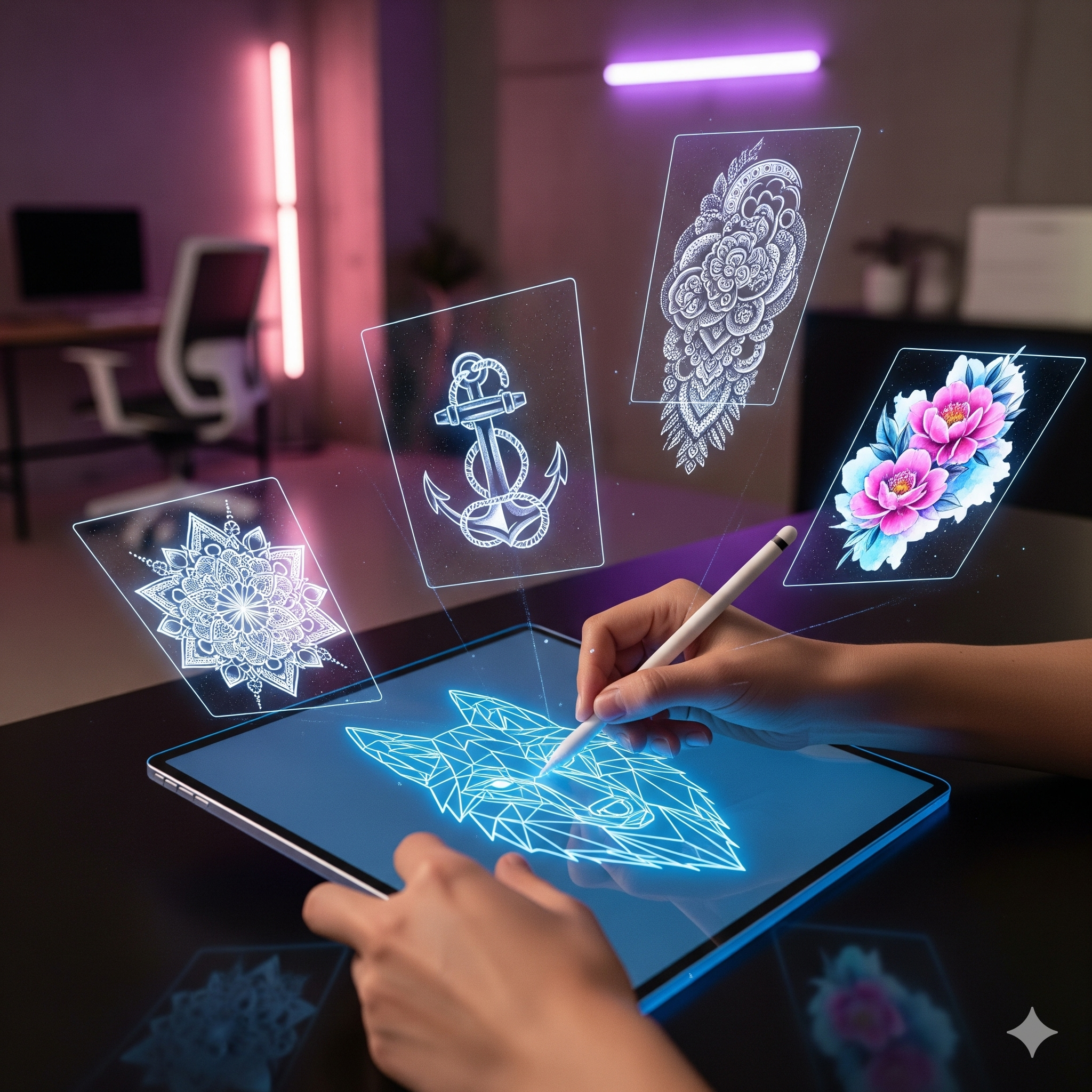
If you are still drawing exclusively on paper, you are losing precious time. Procreate is not just a drawing app; it's an extension of your hand that has totally revolutionized the tattoo industry. Its intuitive interface, designed specifically for the iPad and Apple Pencil, offers unparalleled fluidity that appeals even to pencil purists.
The major advantage lies in its non-destructive workflow. Imagine being able to test ten color variations on a traditional design without ever having to redraw the outlines. With Procreate, this is a daily reality. You can adjust the symmetry of a mandala in real-time, warp a pattern to perfectly fit the shape of an arm using the "Warp" tool, or overlay your design directly onto a client's photo for a stunning preview.
Infinite Brushes
Access thousands of brushes created by and for tattoo artists. Whether you're looking for a realistic "whip shading" effect, a specific paper grain, or precise liners, the community has already created the perfect tool.
Stencil Export
Prepare your stencil in seconds. Simply isolate your lineart, increase the contrast, and print directly via AirPrint to your compatible thermal copier.
Layers & Modifications
The client wants the motif 2cm higher? Or smaller? Change the size or location of an element instantly during the consultation, without having to start all over again.
Price and Accessibility
Unlike the Adobe suite which ties you down with an expensive monthly subscription, Procreate operates on a one-time purchase model (around $15 on the App Store). It is undoubtedly the most profitable investment of your career. Once bought, it is yours forever, with all future updates included.
Official Procreate SiteEncreVive: The AI Marketing Boost
Animate to sell better
You've spent hours creating a beautiful design on Procreate. Now, how do you sell it? How do you ensure it doesn't drown in the endless feed of Instagram? That's where EncreVive comes in.
Our tool was designed to solve a simple problem: static images no longer grab attention. Social media algorithms (Instagram Reels, TikTok) massively favor video content. EncreVive integrates perfectly into your workflow to transform your static designs into captivating animations in just a few clicks.
Smart Masking
No need to be a video editing expert. EncreVive's AI automatically detects the areas to animate (the ink) without spilling over onto the skin or background, ensuring a professional and clean result.
Unique Ink Styles
Bring your creations to life with varied effects: flowing ink for a dark style, pulsing neon for cyber-sigilism, or mystical smoke for realism. Each style tells a different story.
Pro Tip
Use EncreVive to showcase your available "Flash" designs in Instagram stories. A moving flash statistically attracts 3x more attention and clicks than a static image. It's the ideal tool to fill last-minute slots.
Booksy / Planity: Automated Booking
No more Instagram DMs at 11 PM
Managing your schedule via private message is the best way to burn out. "When are you available?", "What are your rates?", "Oh no, I can't do Tuesday". These endless exchanges steal your creation time and mental energy. Booking platforms like Booksy or Planity allow your clients to book their slot independently, based on your real availability.
You define your slots, service durations, and rates. The client books, and you simply receive a notification. It's like having a virtual secretary 24/7.
The end of "No-Shows"
The tattoo artist's biggest plague? The client who doesn't show up, leaving you with an empty 4-hour slot impossible to fill. These apps allow you to automatically manage deposits. The client pays part or all of the session upon booking. If they cancel last minute or don't show up, you are financially protected.
Case Study: Reducing No-ShowsTattoodo: International Visibility
A giant marketplace
Tattoodo is often described as the "Airbnb of tattooing". It is a huge showcase that allows clients from all over the world to find an artist by style (Old School, Realism, Fineline...) and by city. For a tattoo artist, being present on Tattoodo means opening up to a clientele that goes far beyond the local circle.
This is particularly useful if you are in a tourist city or doing "Guest spots" abroad. Clients use the app to find a trusted artist wherever they travel.
The Verdict
Pros: Huge visibility with an international and qualified clientele.
Cons: Competition is fierce. You need an impeccable portfolio and high-quality photos to stand out from thousands of other artists.
Photoshop + Midjourney: Infinite Inspiration
Using AI to create moodboards
Generative artificial intelligence won't replace tattoo artists, but it will replace tattoo artists who don't use it. Before even drawing the first line on Procreate, tools like Midjourney can help you compose unique references for your projects, especially in realism or surrealism.
No more hours spent on Pinterest desperately searching for "lion with crown and roses" only to find the same images everyone has already tattooed. With Midjourney, you can generate exactly the reference you need: "Majestic lion with a baroque gold crown, surrounded by dark red roses, dramatic lighting, photorealistic style".
Then, import these generations into Photoshop to make your montage, adjust contrasts, and create a unique composition that will serve as a solid base for your final drawing.
Notion: Studio Organization
Managing ink and needle stocks
When you're an artist, admin work is often the last priority. However, running out of 3RL needles or black ink in the middle of a session is an avoidable nightmare. Notion is an incredibly flexible "all-in-one" tool that can serve as your studio's brain.
You can create a simple database to track your equipment stock. Set up a view that shows you in red everything that is low in quantity. You can also use it to store client consent forms (GDPR compliant), track your monthly income and expenses, or organize your flash ideas.
Notion Templates for FreelancersSumUp / Stripe: Mobile Payments
Accept cards without fixed fees
In 2025, refusing bank cards is a major barrier for clients. Not everyone carries $500 in cash, and having to run to the ATM before the session adds unnecessary stress. Mobile payment terminals like SumUp or payment links via Stripe have democratized card payments.
The advantage? No heavy monthly subscription like with traditional banks. You pay a small commission only on each transaction. It's flexible, fast, and gives a much more professional image to your business. Plus, it greatly simplifies your accounting at the end of the month.
💰 How to choose which tools to invest in?
It's easy to get carried away and subscribe to everything. But don't see these tools as expenses, see them as investments. For each tool, always calculate the ROI (Return on Investment).
Ask yourself the question: how much is an hour of your time worth? If you charge $100/hour and a tool costing $30/month saves you 2 hours of administrative management, it is immediately profitable. You have gained $170 in net value, not counting peace of mind.
Conclusion
The ideal toolbox in 2025 is not the one with the most tools, but the one that frees up your time to do what you really love: tattooing. Technology should not be a constraint, but a lever for growth.
Start small: digitize your booking to secure your schedule. Then, take it to the next level with creative tools like Procreate and EncreVive to enhance your art and attract more clients. The future of tattooing is hybrid, blending traditional ink and digital innovation. And you, which tools will you adopt this year?