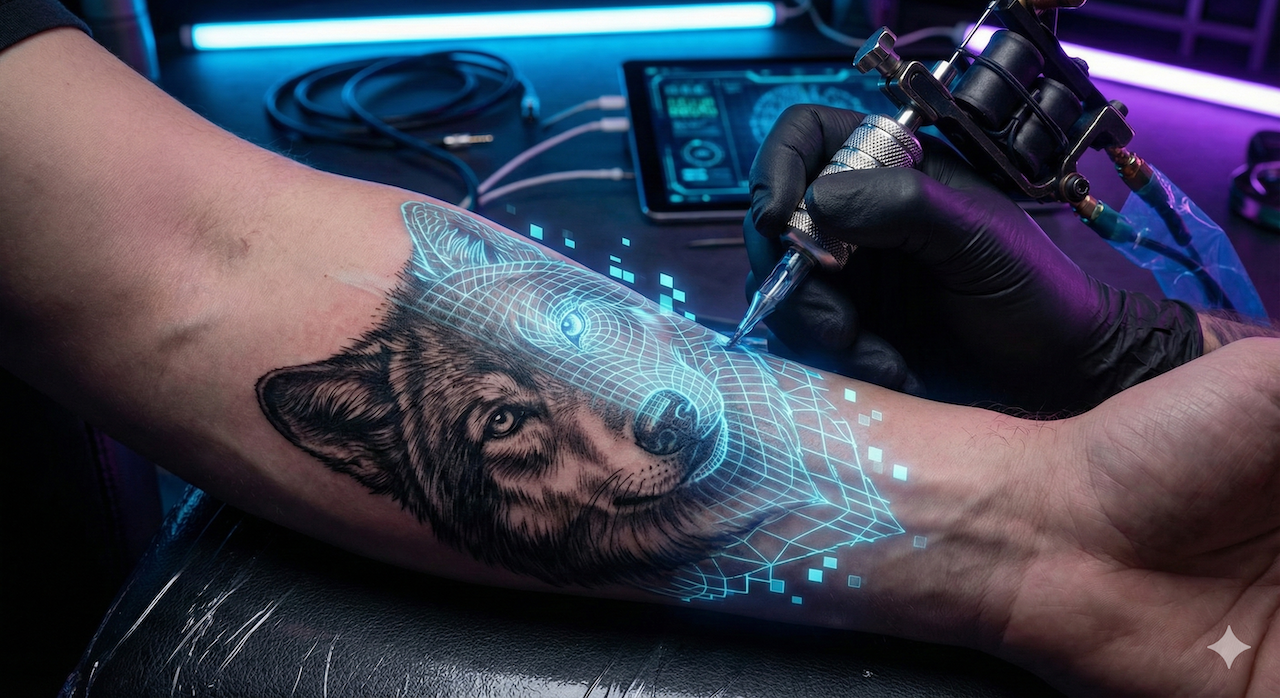
It's the number one block for all ink enthusiasts: you have a brilliant idea in your head, a precise vision of what you want to mark on your skin, but as soon as you pick up a pencil... it's a disaster. You're not an artist.
For decades, the only solution was to try to explain your abstract concept to a tattoo artist, hoping they would understand. But we're in 2026, and Artificial Intelligence has changed the game.
Today, questions are flying: which AI tattoo generator should you pick? How do you create a tattoo with AI from a simple description? Can you get an AI tattoo design for free, or do you have to pay? And is ChatGPT any good for tattoo design?
Our verdict: Higgsfield leads our 2026 selection with 9/10, followed by Leonardo.ai (8.5/10) and Midjourney (8/10). Our experience has been excellent, especially when preparing prompts with a conversational AI such as ChatGPT. Encre Vive, our own studio dedicated exclusively to tattoos, is presented separately, without a rank or score.
Disclosure · Not ranked
Encre Vive: our dedicated tattoo studio
We publish this guide and develop Encre Vive. To let you compare the alternatives, we do not give ourselves a score or first place.
Encre Vive is optimized exclusively for tattoos: one studio to create a design and animate a design or tattoo photo. That dedicated process is what makes it distinctive.
Try the studio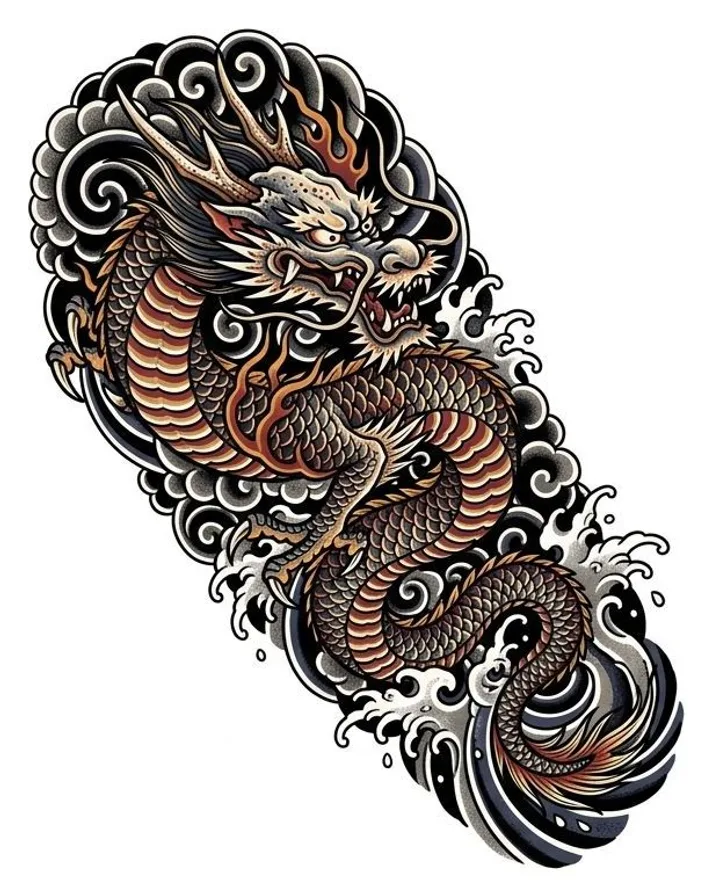
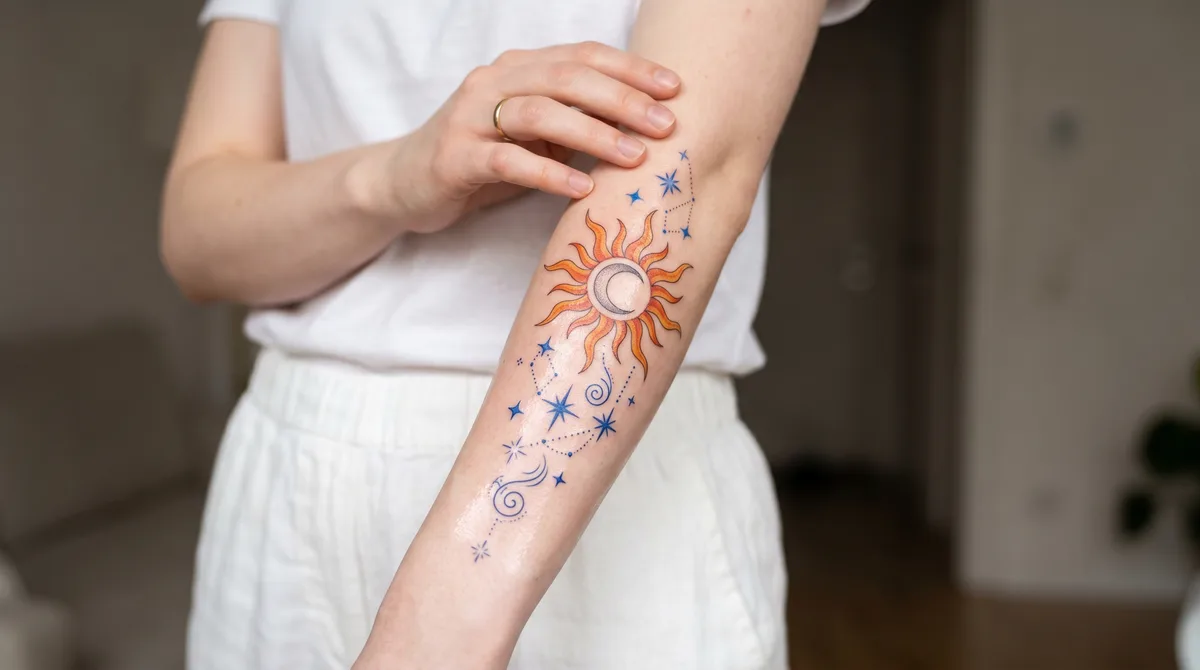
2026 Comparison: The 8 Best AI Tattoo Generators, Rated
Here are 8 alternatives to Encre Vive, ranked according to our assessment of image quality, price and suitability for a tattoo project. The scores are editorial opinions, not scientific benchmark results. They were revised when Higgsfield was added. Click a name to read its review.
| Tool | Score | Best for | Free version | Price |
|---|---|---|---|---|
| Encre Vive Try the studio |
*/10 | Create and animate tattoos in a dedicated studio | 3 free credits at sign-up | Subscriptions and credits depending on the plan |
| No. 1Higgsfield | 9/10 | Visual creation and animation | Trial advertised by the provider | Plans and credits vary by subscription |
| No. 2Leonardo.ai | 8.5/10 | Value for money | 150 credits/day | Free + ~€11/mo |
| No. 3Midjourney | 8/10 | Artistic depth | No | From ~€9/mo |
| No. 4BlackInk AI | 7.5/10 | Tattoo designs and stencils | Limited trial (demo) | ~€14/mo |
| No. 5TattoosAI | 7/10 | Speed and simplicity | Preview only | ~€7/mo |
| No. 6Adobe Firefly | 6.5/10 | Photoshop integration | Limited web version | Included with Creative Cloud |
| No. 7Photoleap | 6/10 | Virtual try-on | Freemium | ~€7.99/mo (Pro) |
| No. 8Fotor | 5.5/10 | No-install creation | Daily free credits | Freemium |
Prices for previously listed tools were surveyed in August 2026 and converted to euros. For Higgsfield, check the current plans and credit allowances. Prices change: check the vendor's own site before committing. Encre Vive prices are the ones on our pricing page.
Higgsfield is our first choice for exploring creative ideas and moving from images to video. Leonardo.ai remains a good value option. For a process dedicated exclusively to tattoos, see Encre Vive, presented outside the ranking; for stencils, see BlackInk AI.
Generating an Image vs. Animating a Tattoo: Two Different Needs
Creating a static design and animating an image are different needs. Higgsfield and Midjourney can also animate images: this ability is not exclusive to Encre Vive. Results on a tattoo depend on the source image, model and instructions.
Encre Vive is optimized exclusively for tattoos, with Create and Animate modes in the same studio. We present it separately so you can judge that approach without a self-awarded ranking. Start with our AI tattoo animation guide or learn how to animate an existing tattoo.
Do You Need to Know How to Draw to "Create" a Tattoo Today?
It's a controversial question, but the technical answer is: No.
We need to distinguish between two professions:
The Designer (Ideation): The one who imagines the composition, colors, and style.
The Tattoo Artisan (Execution): The one who masters hygiene, needle depth, and skin reaction.
While AI will never replace the expert hand that pierces the skin (and that's a good thing!), it has become the most powerful tool for step number 1. It breaks the technical barrier of drawing. You become the artistic director, and AI is your executor.
Important note: AI is used to create a solid reference. A good tattoo artist will always need to rework the design so it ages well on the skin (contrast, line spacing).
How to Create a Tattoo with AI: The 5-Step Method
Generating a tattoo design with AI is for everyone: the enthusiast who wants to visualize their idea before the appointment with the tattoo artist, the artist themselves looking to offer more variations to clients, or simply the curious wanting to test a vision without commitment. In just a few minutes and with the right prompt, you get a usable visual reference, where it once took multiple back-and-forth meetings with an illustrator.
- Define the style and inspiration. Before even opening an AI, take 10 minutes to collect twenty or so tattoos that resonate with you (Pinterest, Instagram, tattoo artist accounts). Identify what keeps coming back: a type of line, a dominant color, a universe (botanical, mythological, geometric). This moodboard will be your compass for every prompt to come.
- Choose your generation tool. To start simply, Leonardo.ai or TattoosAI. For a highly artistic rendering, Midjourney. For a 100% tattoo workflow with stencil, BlackInk AI (see our rated comparison above).
- Write your prompt around a central motif. A personalized tattoo hinges on a single element that carries the meaning ("a wolf looking back over its shoulder"), not an accumulation. Describe that subject, the desired tattoo style (fineline, blackwork, Japanese...), the technical details (front view, white background, high resolution) and the mood. The more precise your prompt, the more usable the design.
- Iterate with variations. The first design is never the right one. Always ask for 3 to 4 variations, identify the one that works best, then reformulate by keeping what works ("more contrast", "remove secondary elements", "thicker lines"). Three iterations of this kind usually produce a clean result.
- Finalize and validate with your tattoo artist. Export the design in high resolution and bring it as a reference, not a print-ready file. Explain what moves you about the image: the posture, the composition, the energy. Your tattoo artist will adapt the rendering so it ages well on your skin, in your placement, with their own hand.
Pro tip: An experienced tattoo artist can refine the AI rendering to adapt it to skin and to manual gesture: ink density, line spacing, contrast play. That pass through human hands is what makes the difference between a "decent" drawing and a tattoo that holds up for 20 years.
Examples of effective prompts
Here are three tested prompts that produce clean results from the first generation, to be adapted to your subject:
What if your design was already moving?
These prompts also work in the Encre Vive studio: generate your tattoo design right there, then let our AI turn it into an animation ready for TikTok and Instagram, in under 60 seconds.
Open the studio: 1 free generation at sign-upNo-account trial with 3 variations · 1 free generation at sign-up · No credit card required
The 8 Best AI Tattoo Generators Tested in Detail
Not all generators are created equal: some are gimmicks, others are true artistic assistants. Here are our detailed reviews (strengths, limitations and verified prices) for the 8 tools in the ranking.
Encre Vive: optimized exclusively for tattoos — not ranked
Our own tool, without a score: we publish this guide and do not rank ourselves against the alternatives. Encre Vive is dedicated exclusively to tattoos, from the first design to a video animation.
Our approach: styles and creation modes designed for ink (fine line, blackwork, Japanese, realism...), plus an Animate mode to bring a design or existing tattoo photo to life.
Choose according to your needs: Higgsfield offers creative flexibility, Midjourney is a strong option for artistic compositions and BlackInk AI also specializes in tattoos, including stencils. Our specialization does not make us the only tool that can generate or animate designs.
Price: the trial includes 3 credits offered once at sign-up. There is no permanent free tier.
Limitation: no black-and-white stencil generation (BlackInk AI does it), no virtual try-on on a photo of your skin (Photoleap does it), no permanent free tier (3 credits once at sign-up), and 10 style presets plus a free-form mode, where a generalist AI has no style limit at all.
Price: 3 free credits at sign-up, then €7.99 for 45 credits valid 12 months, or €19.99/month for 150 credits.
Try the studio1. Higgsfield: our first choice for creating and animating (9/10)
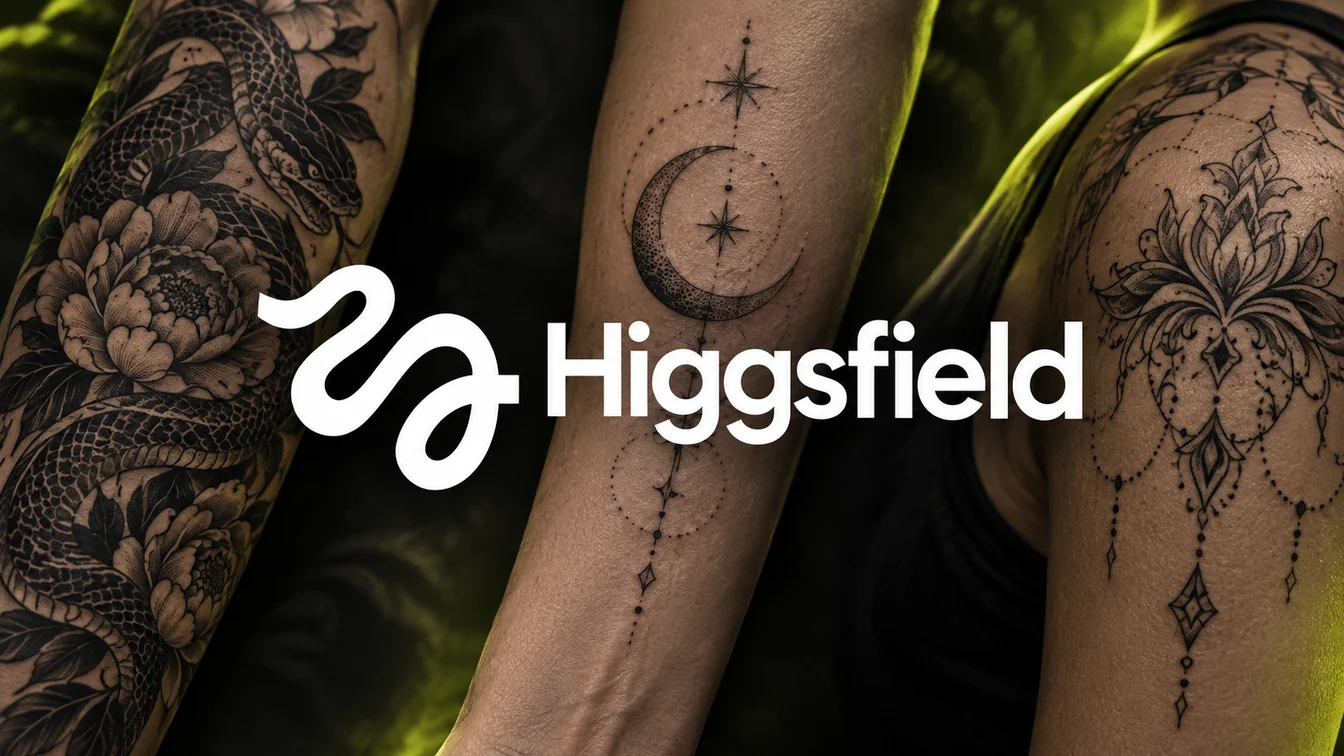
Our experience with the tool: Higgsfield made an excellent impression, particularly when paired with a conversational AI such as ChatGPT to prepare and refine prompts. It is our first choice among the alternatives presented here, with an editorial score of 9/10.
Affiliate link: we may earn a commission if you subscribe through this link.
Strengths: the platform brings together several image generation and editing models. Its drawing generator includes tattoo designs among its uses; its image-to-video tools let you explore an animation from that visual.
With ChatGPT: start by clarifying your idea, style, placement and elements to avoid. Have it draft a structured prompt, then use it in Higgsfield. Refine the instructions based on the result to create new variations. For animation, describe the desired motion separately from the elements that should stay still.
Limitations: Higgsfield remains a general-purpose platform. You need to choose the model and guide the output; a beautiful image is not a validated stencil, and animation can change details of the design. Have your tattoo artist rework the drawing before it goes on skin.
Price: the provider advertises a free trial. Subscriptions, credits and available models depend on your plan: check Higgsfield pricing for current terms.
Explore Higgsfield2. Leonardo.ai: The Best Value for Money (8.5/10)
Leonardo.ai takes second place in our 2026 ranking, behind Higgsfield, thanks to its dedicated "Tattoo flash" preset and an exceptional quality-to-price ratio. The line art it produces is cleaner than Midjourney's and miles ahead of Adobe Firefly's photo-realistic style that requires manual conversion to stencils.
Beyond raw prompts, Leonardo ships fine-tuned models including a tattoo flash preset: you don't have to wrestle with prompt engineering to get a usable line-art design. Its real-time Canvas editor lets you iterate on a design in seconds, and the free tier gives you 150 daily tokens, enough to generate 10-15 concepts per day without paying.
Price: free tier with 150 daily tokens, Pro plan at ~€11/month (US$12).
Try Leonardo.ai3. Midjourney: Maximum Artistic Depth (8/10)
It's not a dedicated tattoo tool, but it's arguably the most powerful AI in the world for image generation. If you're looking for a complex, surreal, or hyper-realistic art piece, Midjourney crushes the competition in terms of pure quality: the handling of lights and textures far exceeds what specialized generators offer, and you're not locked into any predefined style (a mix like "Cyberpunk mixed with Art Nouveau" is delivered brilliantly).
The downsides: historically tied to Discord, Midjourney now has a full web interface: the barrier to entry has dropped significantly, but you still need to learn how to phrase your prompts. And there's no native stencil: the image comes out as an illustration, so your tattoo artist will have to redraw the technical outline.
Price: monthly subscription required, starting at ~€9/month (US$10).
Try Midjourney4. BlackInk AI: The Pure Tattoo Workflow Specialist (7.5/10)
BlackInk AI is designed exclusively for tattooing. Unlike generalist generators, it understands the language of ink: it masters advanced styles like Dotwork, Blackwork, Traditional Japanese (Irezumi) or Sketch, which ensures the design is technically achievable by a human tattoo artist.
Its "killer feature": the automatic generation of the black and white stencil from your design, exactly what your tattoo artist needs to transfer the drawing onto your skin. The platform also gives you access to a library of thousands of designs shared by the community. Limitation: the free version mainly serves as a demo; high-resolution downloads go through paid credits.
Price: limited free trial, then approx. €14/month (US$15).
Try BlackInk AI5. TattoosAI: Speed and Simplicity (7/10)
Very popular in the USA for its clean interface, TattoosAI focuses on efficiency: you type your idea, choose a style, and the AI offers several iterations in seconds. No complex parameters or technical jargon: the ideal tool for quick brainstorming, with unlimited iterations through the subscription.
Limitation: less technical control than BlackInk on line thickness or shading, which may require more adaptation work from your tattoo artist.
Price: free trial (viewing only), ~€7/month to download designs.
Try TattoosAI6. Adobe Firefly: The Copyright-Safe Choice (6.5/10)
If you know a bit of Photoshop or care about copyright, Firefly is a solid option. Adobe's AI is trained exclusively on the Adobe Stock image bank and royalty-free images, which avoids the ethical problem of "style theft" from living artists, a hot topic in the tattoo community. And if you know how to use layers, you can generate multiple elements (a flower, a snake, a dagger) and assemble them yourself to create a unique composition. We covered Firefly's strengths and weaknesses in detail in our dedicated Adobe Firefly review.
Limitation: Firefly generates fully rendered images rather than stencils, and exploiting its full potential often requires a Creative Cloud subscription.
Price: included in Adobe Creative Cloud, or limited free web version.
Try Adobe Firefly7. Photoleap: Virtual Try-On on Your Skin (6/10)
Photoleap (by Lightricks) is a very popular photo editing app in the United States. Its "AI Tattoo" feature not only creates the design but also lets you visualize it directly on your body: take a photo of your arm, leg or back, and the AI "places" the tattoo on it while respecting the curves and perspective. You validate the placement before committing, all without leaving your smartphone.
Limitation: the tool is mainstream and entertainment-oriented; designs sometimes lack the technical precision required for complex pieces, serving more as visual reference than final model.
Price: freemium (in-app purchases, ~€7.99/month for Pro).
Try Photoleap8. Fotor: The Free and Accessible Option (5.5/10)
Fotor is a well-known online photo editor that has integrated a robust AI image generator. Everything happens in the browser, no installation required, and unlike many competitors that lock everything behind a paywall, Fotor offers daily free credits. An excellent "sandbox" option to test AI generation without pulling out your credit card.
Limitation: it's a generalist, not a tattoo specialist: be very precise in your prompts to avoid anatomically incorrect results.
Price: freemium (usable free version, paid Pro options).
Try FotorCan You Use ChatGPT or Stable Diffusion for a Tattoo?
Yes, and many people wonder. ChatGPT's image generation (GPT-4o, which replaced DALL-E 3) lets you create a design by talking to it like a human: "Create me a geometric wolf tattoo", then "I like it, but remove the triangles on the forehead and add cherry blossoms". It's the ideal option for iterating without learning prompt syntax, and the free version gives limited access to image generation. Try ChatGPT
Stable Diffusion, for its part, remains the favorite tool of technical users: free to run locally, it offers, via ControlNet and an interface like ComfyUI, total control over a character's pose or the structure of a drawing. It's more complex to master, but unbeatable for extreme customization. Stability AI
This selection is not exhaustive: ChatGPT and Stable Diffusion are additional options, presented here without a score. ChatGPT can also help you prepare the prompts you use in Higgsfield.
The Secret is in the "Prompt": How to Talk to AI?
Having the best software isn't enough. If you ask for "a rose drawing," you'll get a generic image. To get a result usable by a tattoo artist, you need to master tattoo vocabulary.
Here's a prompt (command) structure that works for Midjourney, Leonardo or ChatGPT:
Here are some magic keywords to include depending on the desired style:
For Minimalist: Fineline, single needle, minimalist, negative space, simple lines.
For Traditional: American Traditional, Old School, bold lines, limited color palette, Sailor Jerry style.
For Japanese: Irezumi style, ukiyo-e, dragon, koi fish, waves, high contrast.
For Graphic: Geometric, dotwork, stippling shading, mandala, sacred geometry.
Pro tip: Always add "white background" or "tattoo flash sheet" to your request to prevent the AI from generating the tattoo directly on an arm (which is harder for the tattoo artist to copy).
AI Limitations: What It Can't (Yet) Do
Even though the technology is impressive, it has its flaws.
Text
AIs still struggle with calligraphy. If you want precise lettering (a name, a date), generate the pattern with AI, but ask your tattoo artist to do the lettering by hand or use a font site like DaFont.
Body Fluidity
AI generates a flat image (2D). However, your body is in volume (3D). A pattern that looks good on a flat screen can be distorted once placed on a shoulder or calf. Only a virtual try-on (like Photoleap's) or your tattoo artist's eye can anticipate that rendering.
Human Experience
AI doesn't feel pain and doesn't know about ink aging. Tattoo artists talk about the famous "ink spread": ink spreads slightly on skin over the years, and a design that's too detailed on 2cm² will end up as a "blob" in 10 years. Always listen to your tattoo artist's advice on minimum size.
Test your design before going under the needle
A tattoo is forever; a preview isn't. Before you commit, animate your design on Encre Vive: watching the artwork come alive instantly reveals what works and what doesn't. Try it with no account (3 variations), then get 1 free generation of 3 images when you sign up.
Try it free with my designNo-account trial with 3 variations · free account in 30 seconds · 1 free generation
Frequently Asked Questions About AI for Tattoos
Which AI is the best for generating tattoos in 2026?
Higgsfield leads our 2026 selection with 9/10, followed by Leonardo.ai (8.5/10) and Midjourney (8/10). Our experience is particularly positive with prompts prepared in ChatGPT. Encre Vive, our own studio optimized exclusively for tattoos, is presented outside the ranking without a score. BlackInk AI is another specialized option, particularly for stencils.
Can AI really create tattoos?
Yes, but with one important nuance: AI creates the design, not the tattoo itself. It generates a quality visual reference that your tattoo artist will turn into actual ink. No AI pierces skin in your place, and that's a good thing.
What's the best free AI to generate a tattoo?
Leonardo.ai offers 150 free credits per day with a dedicated tattoo preset: it's the most effective free option to get started. Fotor lets you generate in the browser with daily free credits, Adobe Firefly's web version includes limited credits, and Stable Diffusion run locally remains the most powerful option if you have a decent graphics card.
How do you use AI to create a personalized tattoo?
First define a style and a central motif, write a precise prompt (subject + style + technical details + mood), then iterate 3 to 4 times by adjusting what isn't working. The secret isn't in the tool but in the precision of your request and your ability to dialogue with the AI until you get the right result.
Can you get an AI-generated design tattooed as-is?
Yes, but never tattoo a raw AI output. Always have a professional tattoo artist refine the design: AI hallucinates anatomy (six-finger hands, broken symmetry) and lacks the understanding of how ink ages on skin.
Are AI-generated tattoos legal?
Yes, with no restriction. You can get tattooed with an AI-generated design in the United States, Europe, and pretty much everywhere. The only gray area is designs that imitate too closely the work of a living artist: in that case, get their consent or change angle.
How much does it cost to create a tattoo with AI?
From €0 to €30 per month for the AI part, depending on the tool you pick. Stable Diffusion is free, ChatGPT Plus costs about €20 per month, Midjourney starts at around €9 (US$10). On top of that, the tattoo itself, which doesn't change whether you arrive with an AI design or a hand-drawn sketch.
Which AI is best for tattoo flash sheets?
BlackInk.ai is purpose-built for tattoo workflow including flash sheets: pre-trained models for blackwork, fineline and old-school styles. Leonardo.ai also handles flash well with its dedicated tattoo-style preset.
Will my tattoo artist accept an AI design?
Most tattoo artists happily accept an AI reference, as long as you bring it as a working base and not as a tracing to reproduce identically. Present the image while explaining what moves you in it: that conversation is what lets the artist do their work.
What's the difference between Midjourney and Stable Diffusion for tattooing?
Midjourney prioritizes pure aesthetic beauty and excels at complex styles (realism, neo-traditional): it's a ready-to-use tool but paid. Stable Diffusion offers total technical control (pose, composition, fine-tuning) but requires a learning investment. Midjourney to move fast, Stable Diffusion to go deep.
Can you protect an AI tattoo against copyright?
In the United States and Europe, a work purely generated by AI is not protectable by copyright: substantive human creative intervention is required. In practice, this rarely matters for a personal tattoo. If you want to use it commercially, rework it enough or have an artist rework it. For the deeper questions AI raises for the craft, read our piece on the ethics of AI tattooing.
How do you animate an AI-generated tattoo?
Once your AI design is finalized, tools like Encre Vive turn the static image into a short animated video using AI video algorithms. The animation triggers either in augmented reality through your phone, or as a clip on social media. It's the natural next step for a tattoo already designed digitally: we walk through the method step by step in our guide on how to animate a tattoo with AI.
Are tattoo artists already using AI in their work?
More and more, yes. AI is mostly used to quickly propose multiple variations to a client during a consultation, to unblock an idea, or to speed up the design clean-up phase. The artists who adopt the tool see it as an assistant, not a replacement, and their clients are largely on board.
What's Next? Bring Your AI Tattoo to Life
You now have your design. You used Leonardo, Midjourney or BlackInk, you have the perfect drawing on a white background. You're about to ink it into your skin forever. It's beautiful, but it's static.
Until now, tattooing was a frozen art. Once the ink dries, the movement stops. But imagine for a second: what if that dragon you generated could breathe fire when you look at it through your phone? What if that angel's wings started to flap? What if those geometric shapes started rotating?
That's where we come in. At Encre Vive, we believe AI design generation is just the first step. The real revolution is AI tattoo animation.
Once your tattoo is generated, don't let it sleep on your hard drive. With Encre Vive, turn your static design into an animated video perfect for Instagram, TikTok or your portfolio. And if you're torn between AI and a human motion designer for this work, our comparison of AI vs motion designer settles the question.
Create your first animation now
Upload the design you just generated (or generate it right in the studio), pick an effect (flames, water, pulse...) and get your video in under a minute. Try it with no account (3 variations), then get 1 free generation of 3 images when you sign up.
Open the studio for freeNo-account trial with 3 variations · 1 free generation at sign-up · No credit card · Result in under 60 seconds