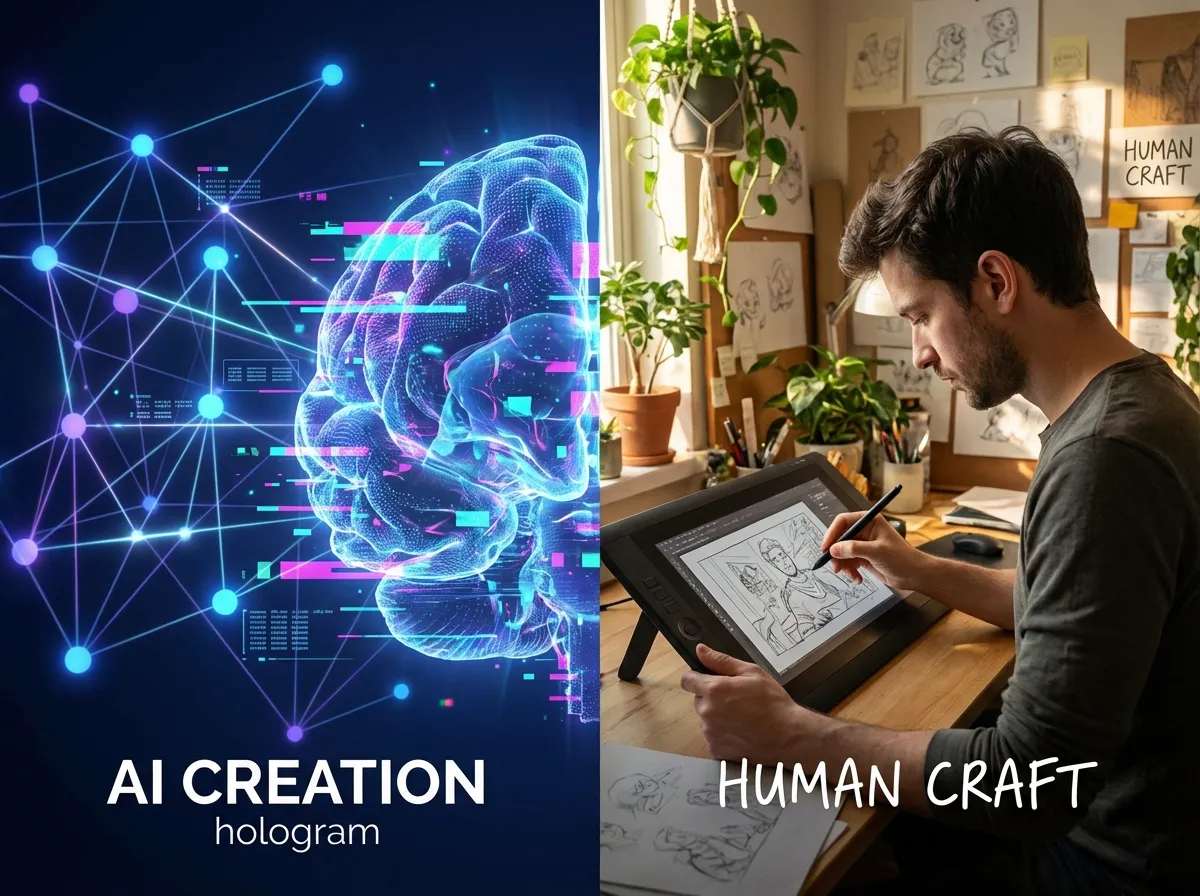
It's the big question shaking up the creative world right now. With the explosive rise of generative AI (Sora, Runway, and of course EncreVive), video creation has become accessible to everyone. But is this the end of graphic designers and motion designers?
The short answer: No. AI doesn't replace artists, it complements them. But for a tattoo artist who wants to animate their creations, the choice between an automated solution and a human depends on very precise criteria. Budget, deadline, complexity... Let's break it all down together.
AI Animation: The Instant Revolution
How does "Image-to-Video" work?
Read more about the rise of AI video (The Verge)
AI Strengths: Speed and Cost
It's unbeatable. Where a human needs 3 days, AI needs 30 seconds. For daily "snackable" content (Instagram Stories, quick TikToks), it's the ideal tool. The cost is also divided by 100.
Current Technical Limits ("Warping")
AI still struggles with complex physics. It can sometimes deform a hand, add a finger, or melt a face during rapid movement. These are called "hallucinations". For a very precise geometric tattoo, this can be annoying.
The Human Motion Designer: The Craft of Movement
Mastery of "Puppet Tool" and "Rigging"
A motion designer doesn't guess movement, they build it. On After Effects, they will create a virtual skeleton (Rig) under your drawing. They define precise articulation points. If the arm moves, the tattoo follows the exact muscle deformation. It's visual surgery.
See the complexity of work on After Effects
Storytelling and Art Direction
Humans understand the abstract. If you say "I want the dragon to look sad but combative", a graphic designer will understand the emotion. AI will need an extremely precise prompt and risks missing the subtlety.
Detailed Comparison
| Criterion | Artificial Intelligence | Motion Designer |
|---|---|---|
| Cost | ~10€ / month | 150€ - 500€ / project |
| Deadline | Instant | 3 to 7 days |
| Precision | Random (80% success) | Surgical (100%) |
| Creativity | Surprising (Happy accidents) | Directed and intentional |
| Ideal Usage | Daily social media | Advertising, Website, Portfolio |
Case Studies: Which tool for which project?
Case A: The Old School Flash
🏆 Winner: AIWhy? Lines are clear, background is often solid, there is no complex body volume. AI excels at moving these simple graphic elements. It's fast and effective.
Case B: The Full Realistic Arm
🏆 Winner: The Motion DesignerWhy? There is arm rotation, light changes on skin, textures are complex. AI risks creating an unpleasant "jelly" effect. A human will know how to map the texture onto a 3D model for a perfect render.
Case C: The "Magic" Tattoo (Neon/Fire Effects)
🤝 TieWhy? AI is very creative at generating particles and glows. The designer will be more precise on placement. It all depends on your budget.
How to order custom animation?
If you opt for the human, preparation is key. Don't just say "do something cool".
- Send the RAW file: Not a pixelated screenshot. The designer needs the highest possible resolution.
- Give references: "I like the style of this video", "I want a Cyberpunk 2077 vibe".
- Be clear on format: Story (9:16) or Post (4:5)? 4K or 1080p?
Conclusion
There is no bad choice, only tools adapted to different needs. Use AI for your daily communication, to test ideas, to fill your stories. Keep the Motion Design budget for the masterpieces of your portfolio or your presentation video on your website.
At EncreVive, we believe in hybridization. That's why we offer our AI tool, but also a connection with experts.
Contact us about your animation project